
Set up gift cards
Rex sells gift cards through GiftUp, its built-in gift card provider. Once GiftUp is connected, customers can buy gift cards directly from your booking site at yourdomain.com/gift-cards — for example, sparkys.reservewithrex.com/gift-cards.
Setup has two parts: connect GiftUp once for your whole account, then turn it on for each venue that should sell gift cards. You'll also complete a short onboarding inside GiftUp itself to connect a payment provider and design your cards.
Connect GiftUp to your account
This is a one-time step for your whole account — it creates and links your GiftUp account.
Open the Gift Cards integration
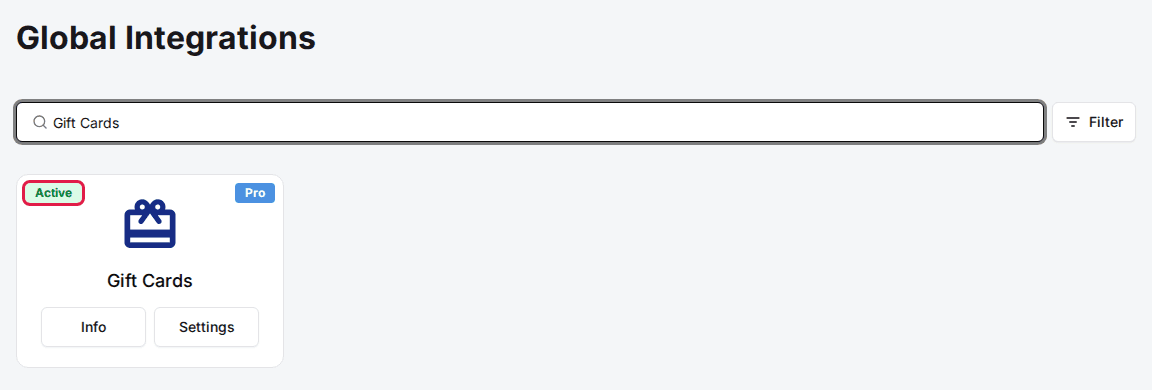
On the Integrations page, find the Gift Cards integration. If it isn't already added, click Add to enable it.
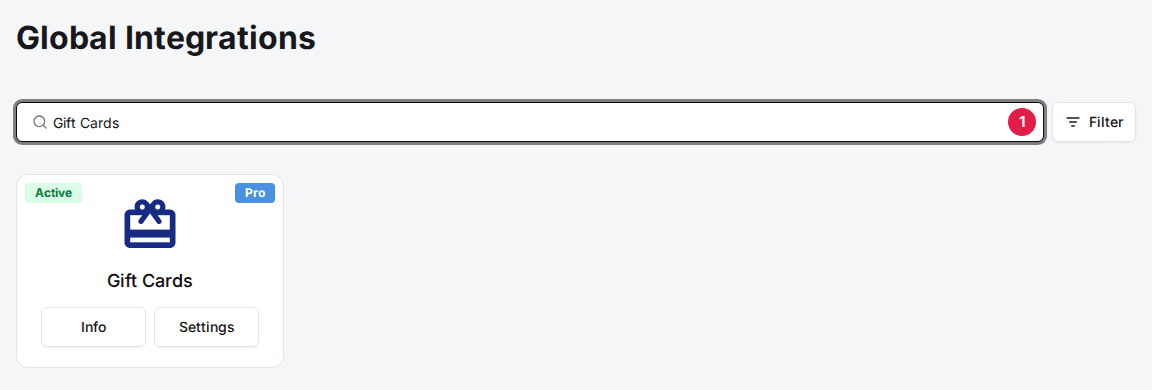
Click Connect to Gift Up
Click Settings on the Gift Cards card, then click Connect to Gift Up.

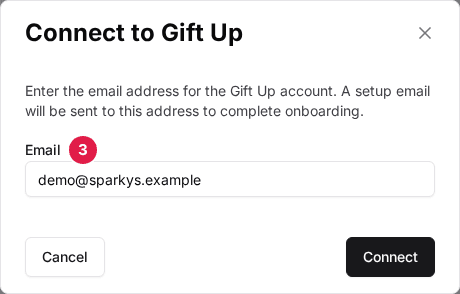
Enter your account email
In the Connect to Gift Up window, enter the email address you want to use for your GiftUp account, then click Connect.
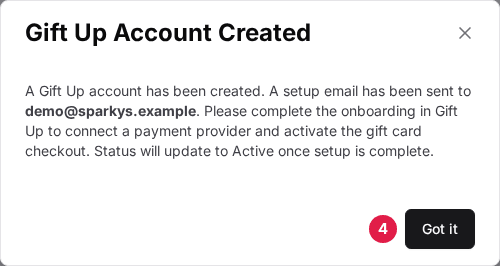
Confirm and check your inbox
You'll see a Gift Up Account Created confirmation, and a setup email is sent to that address automatically. Click Got it. Until onboarding is finished, the Gift Cards integration shows a Pending status.
Use a business email you check regularly — the GiftUp setup email and any account notices all go to this address.
Finish onboarding inside GiftUp
Open the setup email sent to the address from the previous step and log in to your GiftUp dashboard. This is where you create your gift cards and set their options — connecting a payment provider, designing your cards, and choosing denominations all happen inside GiftUp.
For step-by-step help with these settings, see GiftUp's help center.
When onboarding is complete, the Gift Cards integration status in Rex changes from Pending to Active. Once it's Active, the gift card checkout is live. You can reopen GiftUp anytime from a venue's Gift Card Settings using the Manage GiftUp Settings button.
Turn on GiftUp for each venue
Connecting GiftUp account-wide doesn't switch it on at a location. Do this for each venue that should sell gift cards.
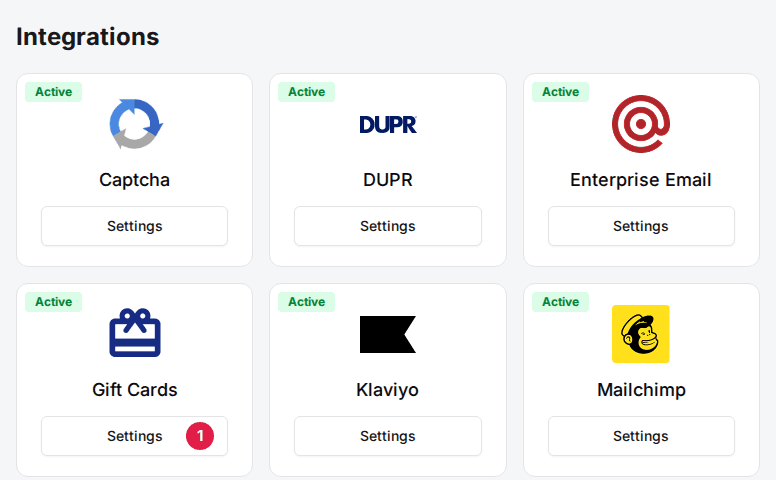
Open the venue's Gift Card Settings
On the venue's General tab, scroll down to the Integrations section and click Settings on the Gift Cards card.
Set the provider to GiftUp
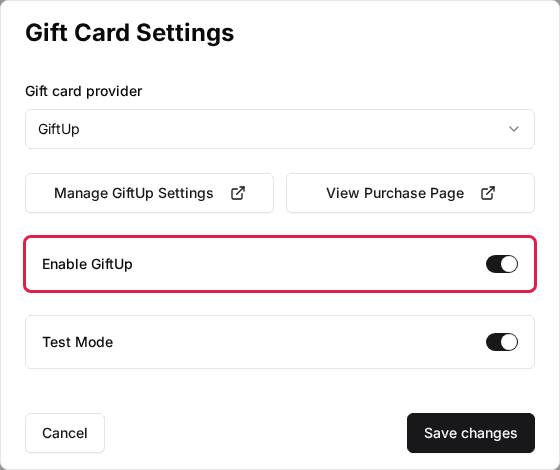
In Gift Card Settings, set the Gift card provider to GiftUp.
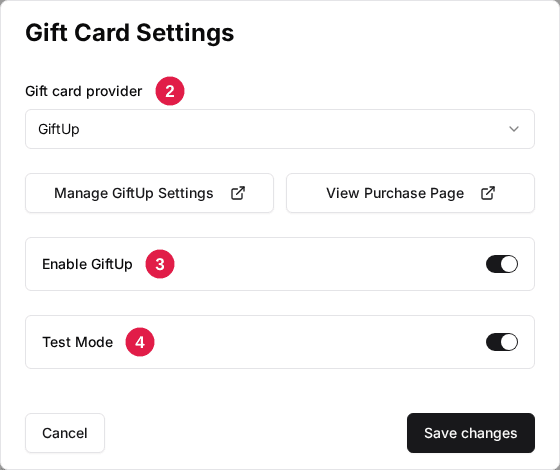
Enable GiftUp
Turn on the Enable GiftUp toggle.
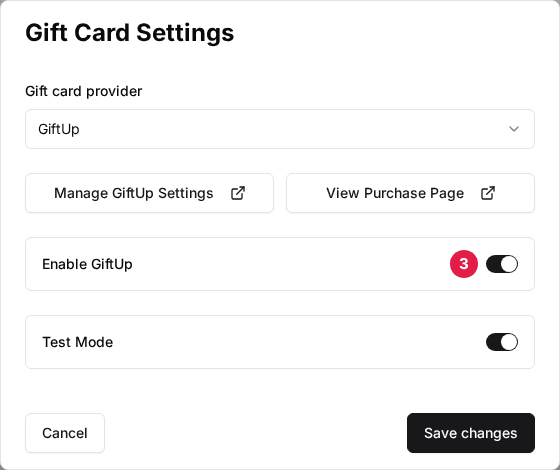
Try it with Test Mode (optional)
Turn on Test Mode to run the gift card flow without taking real payments. Leave it off when you're ready to sell to real customers.
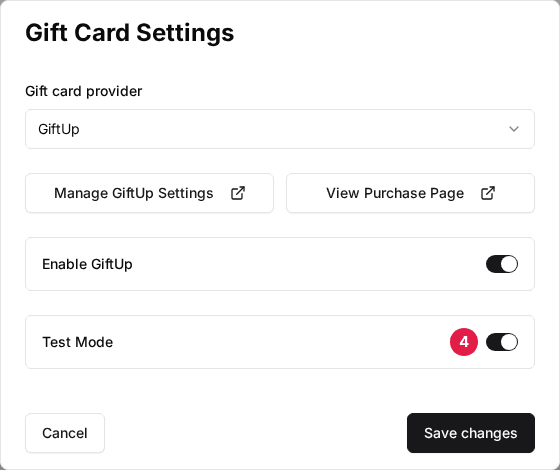
Save your changes
Click Save changes.
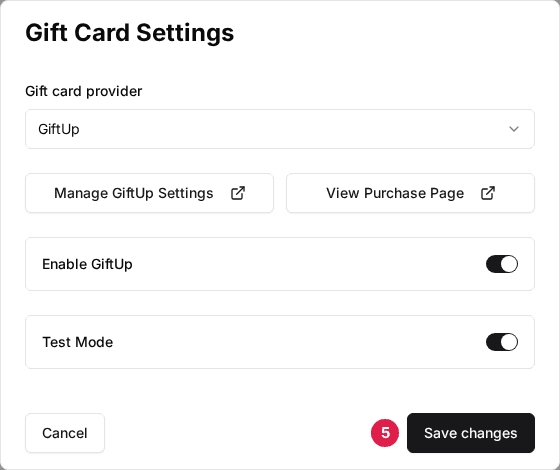
You'll also see two helper buttons in this window:
- Manage GiftUp Settings — opens your GiftUp dashboard (giftup.app) in a new tab.
- View Purchase Page — opens your venue's live gift card page (yourdomain.com/gift-cards) in a new tab so you can preview it.
If your account is already connected to GiftUp, you don't need to enter an API key here — the connection is automatic and the field stays hidden. An API Key field only appears when there's no account-level GiftUp connection, for the rare case where a venue uses its own GiftUp key.
Confirm it's working
Visit your gift card page at yourdomain.com/gift-cards (for example, sparkys.reservewithrex.com/gift-cards). You should see the Gift Cards page with your GiftUp gift cards ready to purchase.
If the page says "Gift cards are not available for this venue," the account isn't connected yet — go back and make sure GiftUp is connected and the Gift Cards integration shows Active.
Troubleshooting
The Gift Cards integration shows Pending
Possible causes
- •The GiftUp account was created, but onboarding isn't finished.
Fix
Open the setup email and complete onboarding inside GiftUp.
Your gift card page says "Gift cards are not available for this venue"
Possible causes
- •The account isn't connected to GiftUp yet.
Fix
Connect GiftUp to your account and make sure the Gift Cards integration shows Active.
Cards don't appear even though GiftUp is connected
Possible causes
- •GiftUp is enabled account-wide but hasn't been switched on at the venue.
Fix
Open the venue's Gift Card Settings and turn on Enable GiftUp.
Purchases run as tests instead of real sales
Possible causes
- •Test Mode is turned on for the venue.
Fix
Turn off Test Mode in the venue's Gift Card Settings.

Disconnecting GiftUp
To disconnect, open the Gift Cards integration and click Disconnect Gift Up. This removes the GiftUp connection from your account.
Custom gift card integrations
GiftUp is Rex's built-in gift card provider and the right choice for most venues. Rex can also integrate with other gift card providers (such as Factor4 or Valutec) for venues that already run their own gift card program.
Custom gift card integrations are available on the Enterprise plan only. If you'd like to connect a provider other than GiftUp, contact support to get set up.
Updated Oct 8, 2026
Was this helpful?