
Set up conversion tracking (Meta Pixel & Google Tag Manager)
Conversion tracking sends what guests do on your Rex booking site, from page views and package views to add-ons in the cart and completed bookings, to Meta Pixel or Google Tag Manager. Use it to see which ads and campaigns bring in reservations, optimize them, and build retargeting audiences. You can run both at once.
Both are set up once for your whole account on the Global Integrations page, and they apply to every venue's booking site.
Want your Rex bookings in Google Analytics 4? Connect Google Tag Manager and forward its events to GA4 from your GTM container. The section Send bookings to Google Analytics 4 below shows the data Rex pushes.
Connect Meta Pixel
Navigate to Global Integrations
Type Meta Pixel in the search box to find its card.
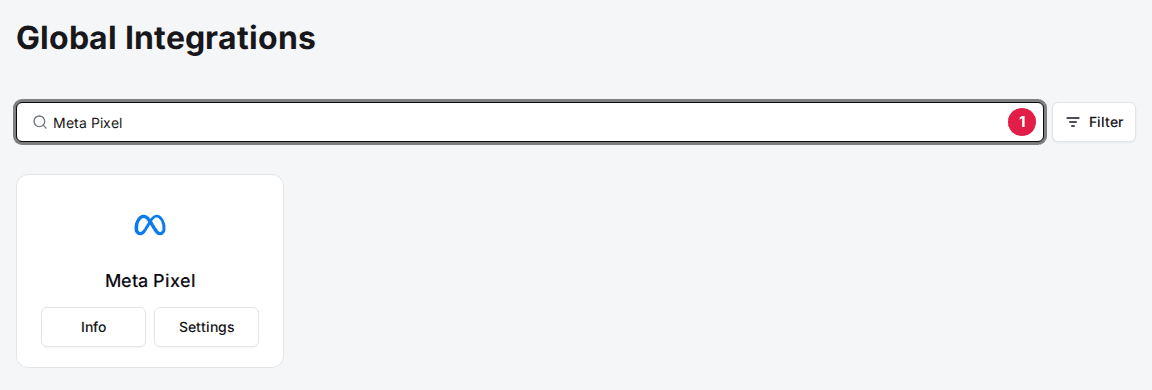
Add the Meta Pixel card
If the card shows Add, click Add, then click Confirm and Add in the window that opens. If it already shows Info and Settings, it's added, so go to the next step.
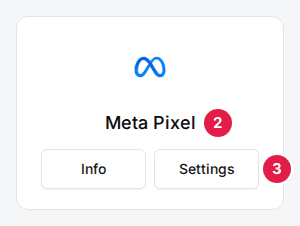
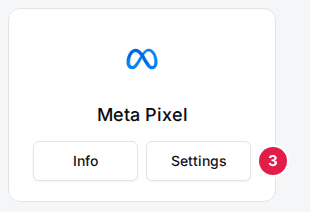
Click Settings on the Meta Pixel card
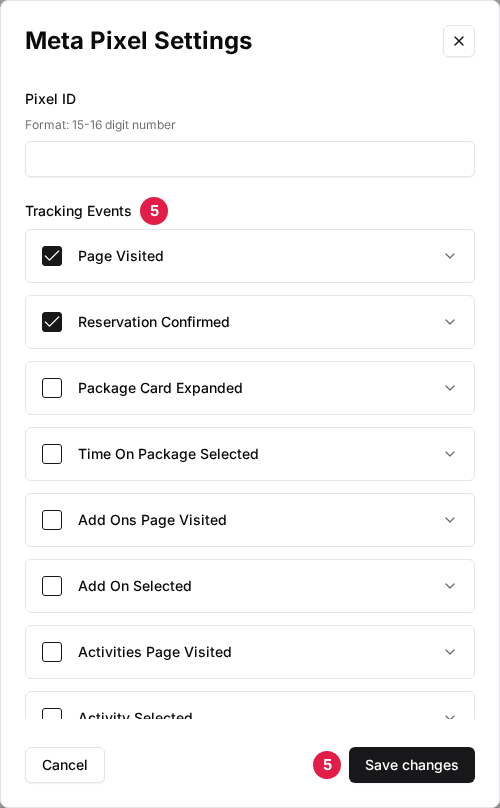
The Meta Pixel Settings window opens.
Enter your Pixel ID
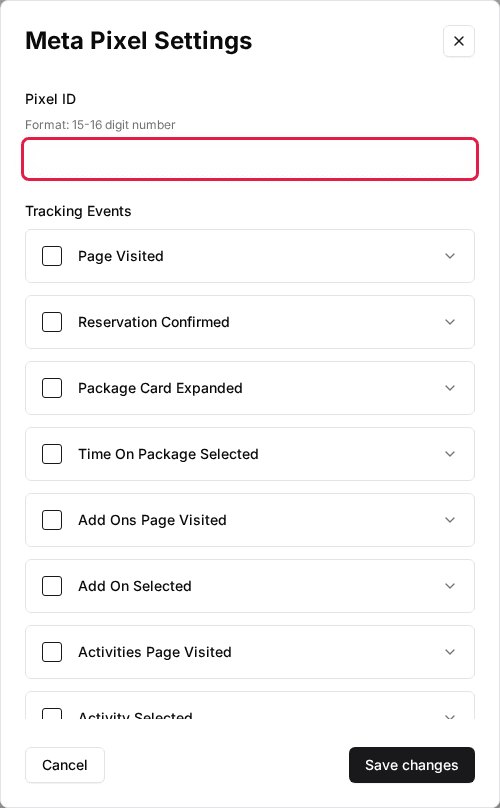
Paste your Meta Pixel ID into Pixel ID. It's the 15–16 digit number shown in Meta Events Manager.
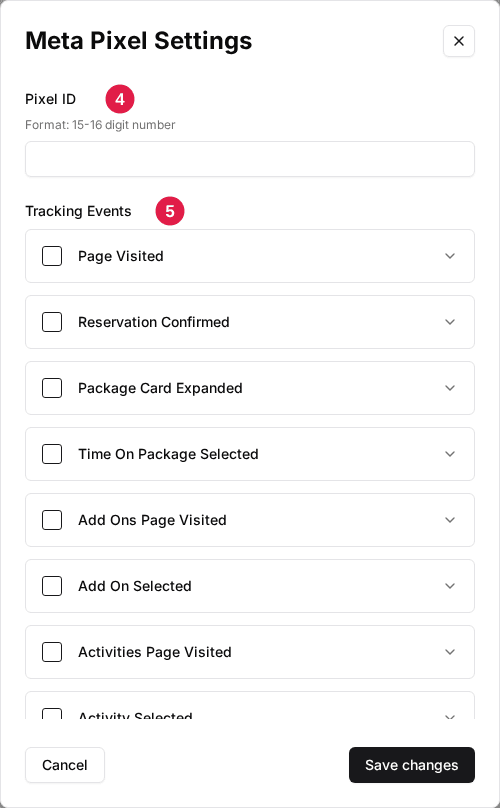
Select your tracking events
Under Tracking Events, tick the events you want sent to Meta, then click Save changes. The event table below shows what each one sends.
On a completed booking, Rex also passes the guest's email and phone to Meta for advanced matching when they're available, which improves attribution.
Connect Google Tag Manager
Navigate to Global Integrations
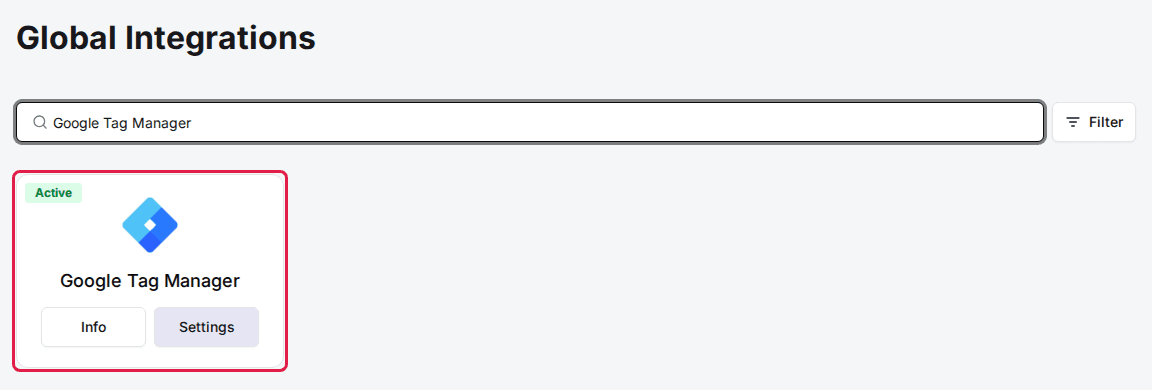
Type Google Tag Manager in the search box to find its card.
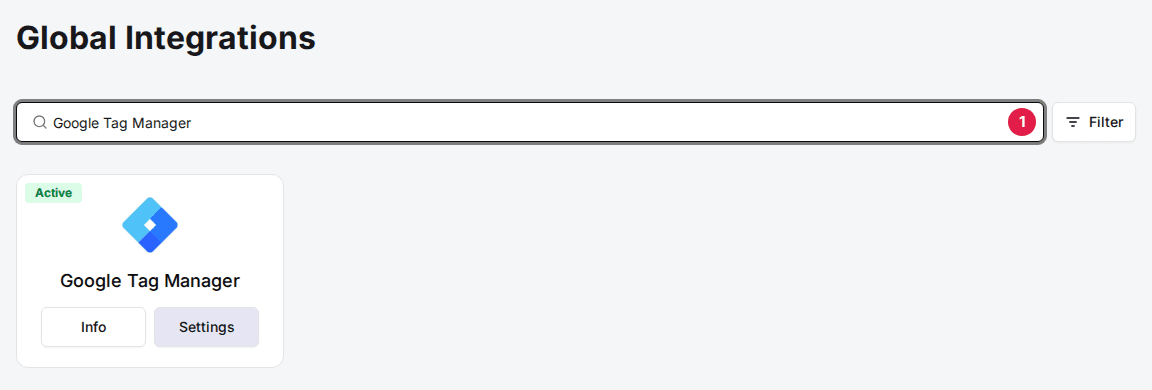
Add the Google Tag Manager card
If the card shows Add, click Add, then click Confirm and Add. If it already shows Info and Settings, go to the next step.
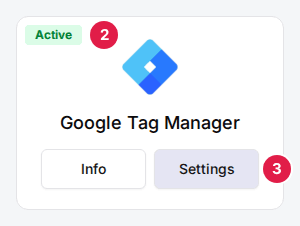
Click Settings on the Google Tag Manager card
The Google Tag Manager Settings window opens.
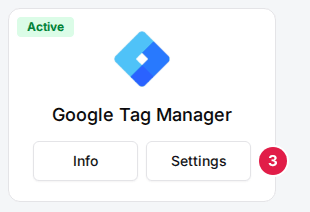
Enter your Container ID
Paste your GTM container ID into Container ID. It looks like GTM-XXXXXXX.
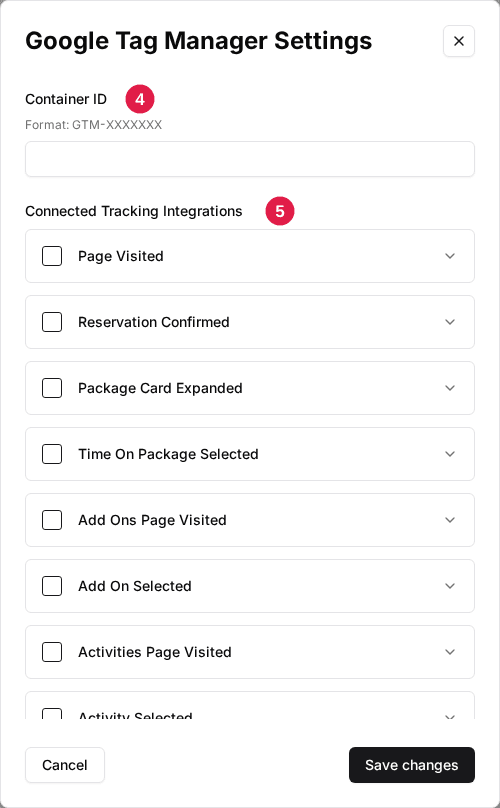
Select your connected events
Under Connected Tracking Integrations, tick the events you want pushed to your container's data layer, then click Save changes.
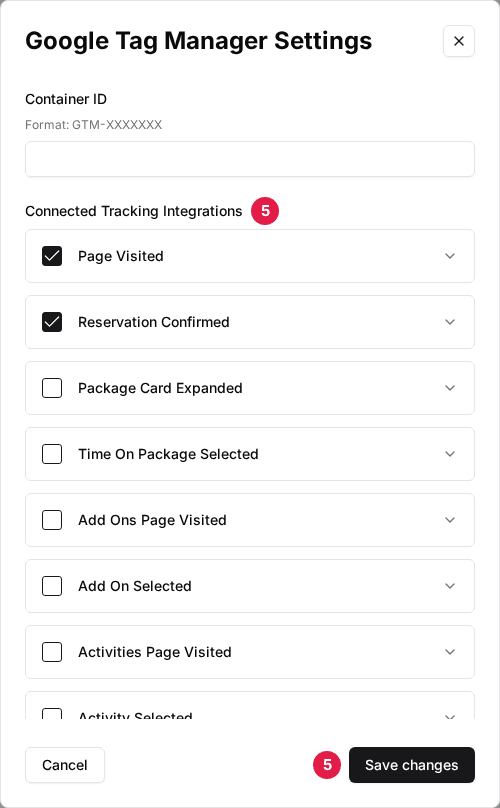
Rex loads your GTM container on the booking site and pushes each event you ticked to the data layer under the GTM event name in the table below. In GTM, build a custom event trigger on that name (for example purchase) and fire your Google Analytics 4, Google Ads or other tags from it.
Choose which events to track
Both integrations list the same 15 events, in this order. Tick only what you need; most venues at least track Reservation Confirmed, the purchase event. Each row names the Meta event and the GTM data layer event it sends.
| Field | Description |
|---|---|
| Page Visited | A page on the booking site loads. Meta: PageView. GTM: page_view. |
| Reservation Confirmed | A booking is completed; this is your purchase or conversion event. Meta: Purchase. GTM: purchase. |
| Package Card Expanded | A guest opens a package to see its details. Meta: ViewContent. GTM: package_expand. |
| Time On Package Selected | A guest picks a time for a package. Meta: TimeSelected (custom). GTM: time_on_package_selected. |
| Add Ons Page Visited | The add-ons step opens. Meta: AddonsPageVisited (custom). GTM: addons_page_visited. |
| Add On Selected | A guest adds an add-on to the booking, a cart event. Meta: AddToCart. GTM: addon_selected. |
| Activities Page Visited | The activities step opens. Meta: ActivitiesPageVisited (custom). GTM: activities_page_visited. |
| Activity Selected | A guest adds an activity to the booking, a cart event. Meta: AddToCart. GTM: activity_selected. |
| Venue Page Visited | A guest opens one of your venue booking pages. Meta: ViewContent. GTM: venues_page_visited. |
| Checkout Started | The guest reaches the signing step of checkout. Meta: InitiateCheckout. GTM: checkout_started. |
| Reservation Details Page Visited | The reservation details step opens. Meta: ReservationDetailsPageVisited (custom). GTM: reservation_details_page_visited. |
| Payment Page Visited | The guest reaches the payment step. Meta: AddPaymentInfo. GTM: payment_page_visited. |
| Cart Abandoned | A guest reached the payment page but left without booking. Meta: CartAbandoned (custom). GTM: cart_abandoned. |
| Membership Confirmed | A guest completes a membership signup. Meta: Subscribe. GTM: membership_signup. |
| Feedback Confirmed | A guest submits the post-visit feedback survey. Meta: FeedbackSubmitted (custom). GTM: feedback_submitted. |
You're responsible for disclosing tracking and collecting any consent your guests are entitled to under your local privacy laws. Reflect whatever you turn on here in your own privacy policy.
Send bookings to Google Analytics 4
When a booking completes, Rex pushes a purchase event to the GTM data layer. The revenue fields follow Google's GA4 ecommerce format and sit inside an ecommerce object, so GA4's built-in ecommerce purchase tag reads them as they are. The descriptive fields stay at the top level.
| Field | Description |
|---|---|
| event | purchase, the event name to trigger your purchase or conversion tags on. Top level. |
| ecommerce.value | The order total as a plain number, for example 120. This is the revenue GA4 attributes to the booking. |
| ecommerce.currency | The venue's three-letter currency code, for example USD. |
| ecommerce.transaction_id | A unique reference for the booking, which GA4 uses to de-duplicate the purchase. |
| ecommerce.items | The booked package as one item: item_id, item_name, item_category (Reservation), price and quantity. |
| reservation_number | The Rex reservation number. Top level. |
| package_name | The name of the booked package. Top level. |
| guests | The number of guests on the reservation. Top level. |
| discounts | A list of any discount codes applied to the booking. Top level. |
If you build your own Data Layer Variables in GTM, point the revenue ones at ecommerce.value, ecommerce.currency and ecommerce.transaction_id, not at a top-level value, currency or transaction_id. A top-level path reads empty, so GA4 records the purchase with no revenue even though the booking count works.
Troubleshooting
No events show up in Meta or GTM
Possible causes
- •The Pixel ID or Container ID is empty or in the wrong format
- •No events are ticked in the integration's settings
Fix
Open the card's Settings, check the ID (a 15–16 digit number for Meta Pixel, GTM-XXXXXXX for Google Tag Manager), tick the events you expect, and click Save changes.
Purchases come through with no revenue value
Possible causes
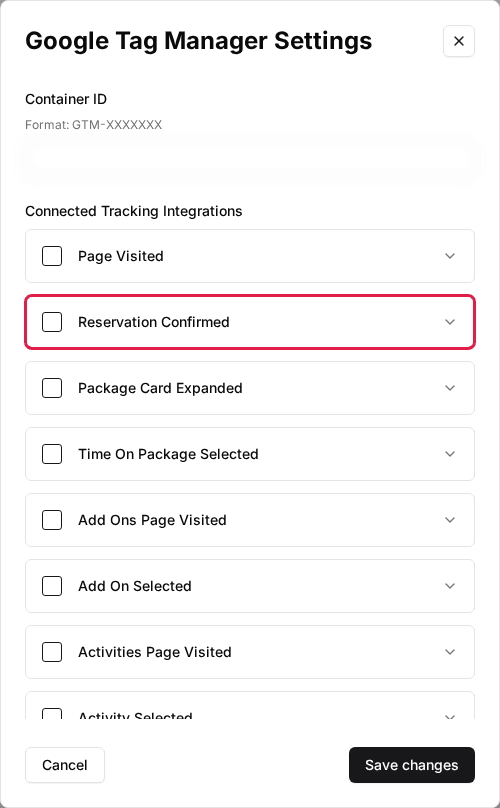
- •Reservation Confirmed isn't ticked
- •Your GTM Data Layer Variables point at value instead of ecommerce.value
Fix
Tick Reservation Confirmed, then point your GTM variables at ecommerce.value, ecommerce.currency and ecommerce.transaction_id. Use GTM Preview to confirm the value is filled in before you publish the container.
Rex bookings don't appear in Google Analytics 4
Possible causes
- •Google Tag Manager isn't connected, or Reservation Confirmed isn't ticked
- •Your GTM container has no GA4 tag firing on the purchase event
Fix
Connect Google Tag Manager with Reservation Confirmed ticked, then add a GA4 ecommerce purchase tag in your GTM container that fires on the purchase event, and publish the container.
Updated Oct 8, 2026
Was this helpful?