
Edit your profile, change password, and manage payment methods
Your account on a venue's booking site keeps your contact details, your password and your saved cards. Sign in on the booking site to reach your account page. Menu names differ slightly between booking sites, so both versions are given below.
Update your profile
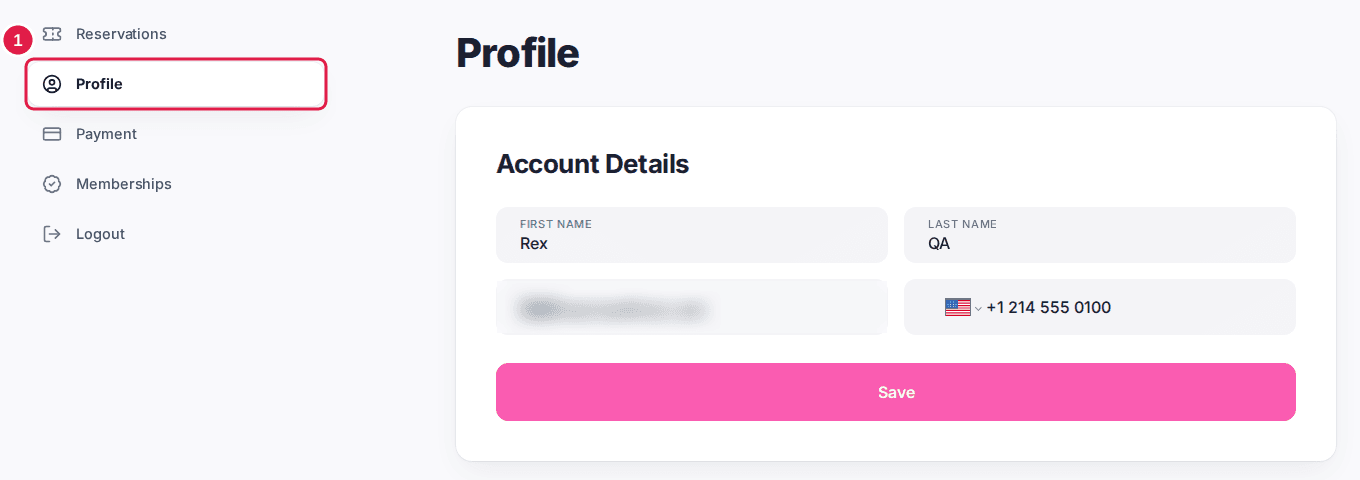
Open your profile
Click Profile in the account menu. On a phone, tap the menu at the top of the account page first; on some booking sites the item is called Account Details.
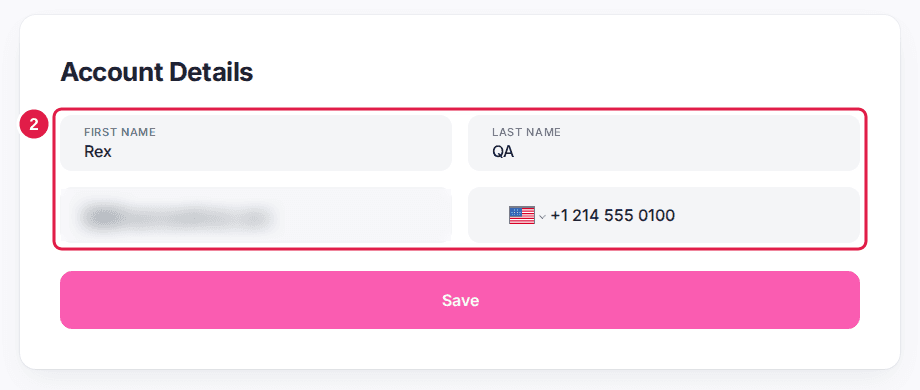
Edit your details
Change your First Name, Last Name or Phone Number. All three are required. The Email field can't be changed here.
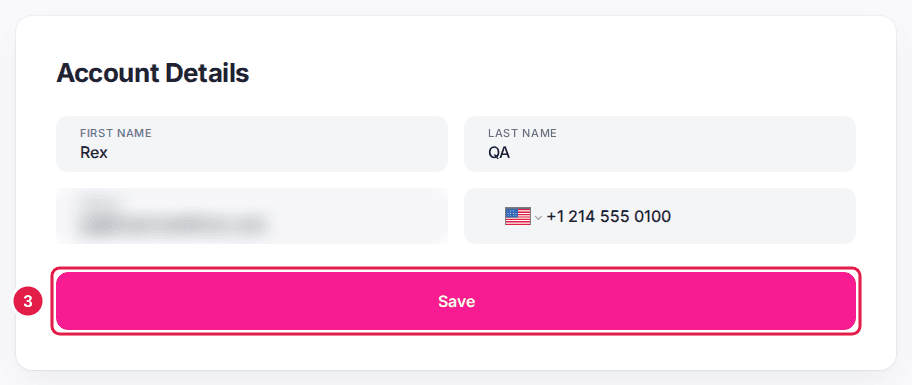
Click Save
"Profile is updated." confirms the change. If you have memberships, a Subscriptions section below lists each plan with its dates and status.
Change your password
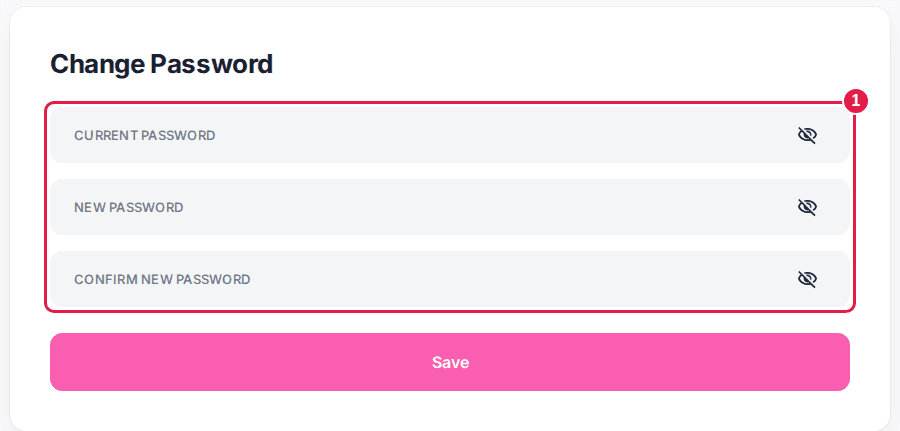
Enter your passwords
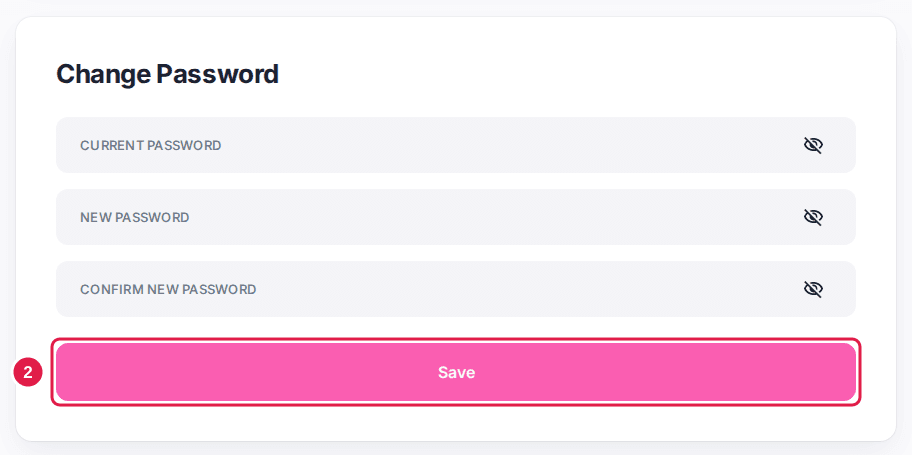
In the Change Password section on the same page, enter your Current Password and your New Password, then type the new password again in Confirm New Password. The two must match.
Click Save
If the current password is wrong, an error message appears and your password stays the same.
Manage saved cards
Saved cards are only available when the venue takes payments through Stripe. Otherwise the payment item in the account menu is greyed out.
Open your payment methods
Click Payment in the account menu (Payment Methods on some booking sites, or Payment Details in the phone menu). The page lists your saved cards by brand and last four digits.
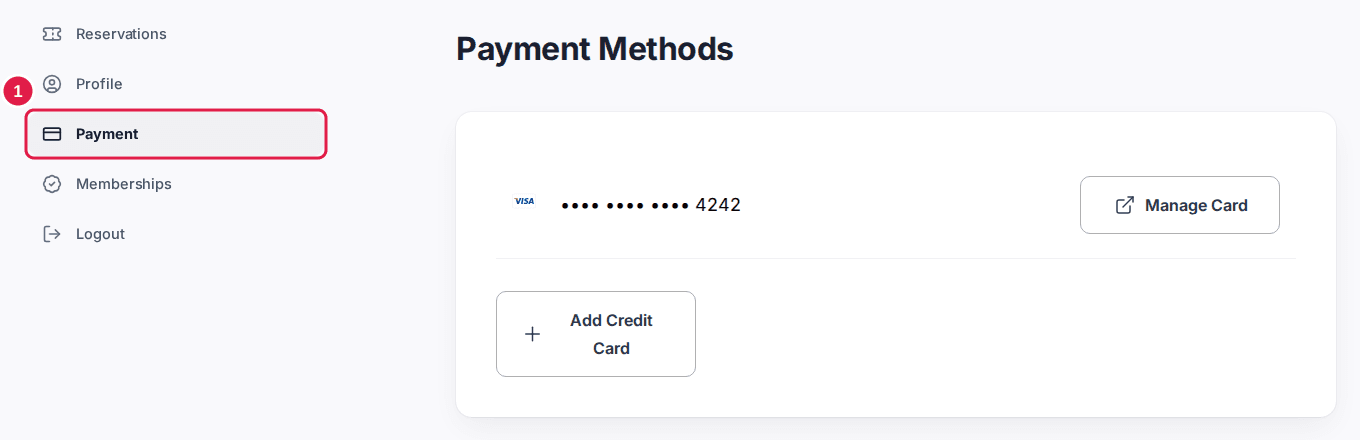
Click Add Credit Card
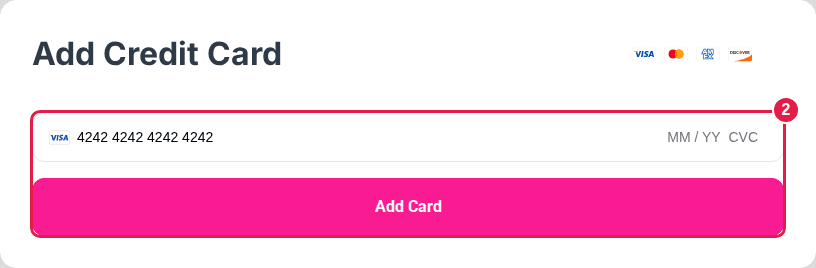
Enter the card number, expiry date and CVC, then click Add Card. The card is added to the list.
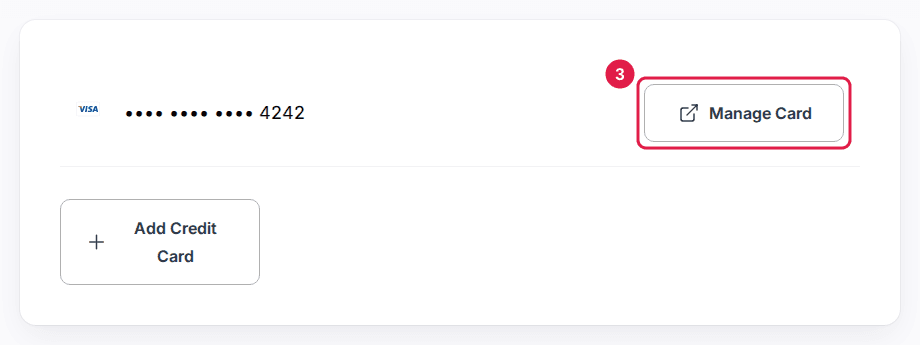
Click Manage Card to update or remove a card
Manage Card next to a saved card opens Stripe's secure billing page, where you can update the card or remove it.
Your bookings are under Reservations (My Reservations on some booking sites) in the same account menu.
Updated Oct 8, 2026
Was this helpful?