
Connect Salesforce
The Salesforce integration sends two things from Rex to Salesforce, and you turn each one on per venue:
- Event inquiries become Salesforce Leads. These use the Salesforce login saved on the account card.
- Reservations are pushed to Salesforce when they're made, sent again when they change, and removed when they're cancelled. These use sign-in details saved on each venue.
Both depend on customizations in your Salesforce org: Leads use custom fields such as Requested_Date__c, Occasion__c and Number_of_Guests__c, and reservations are posted to a REXService Apex REST endpoint. Contact Rex support before you turn either on so they can confirm your org is ready.
Connect your Salesforce account
Navigate to Global Integrations
Type Salesforce in the search box to find its card.
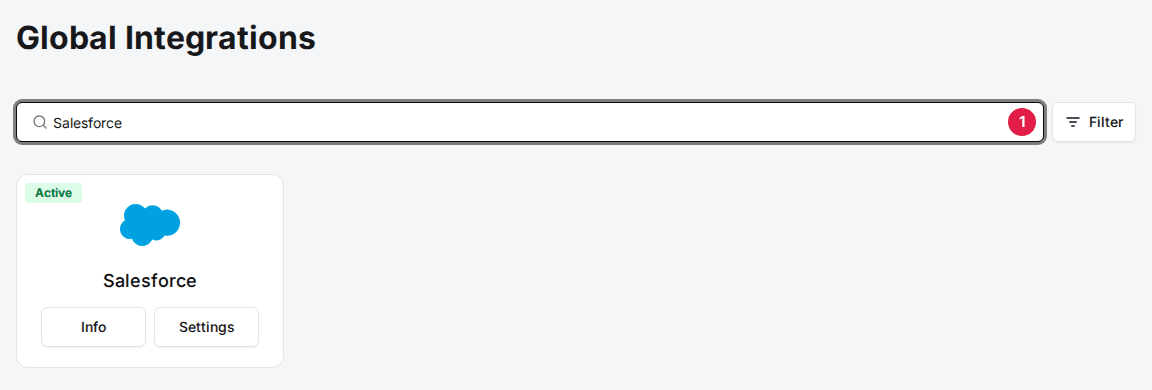
Add the Salesforce card
Click Add, then Confirm and Add. If the card already shows Info and Settings, it's added, so go to the next step.
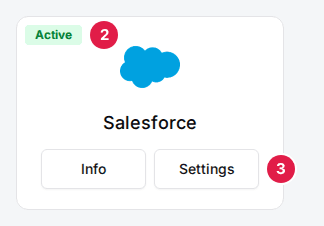
Click Settings on the Salesforce card
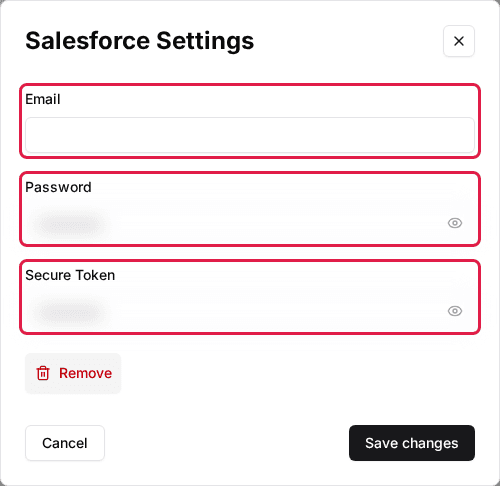
The Salesforce Settings window opens.
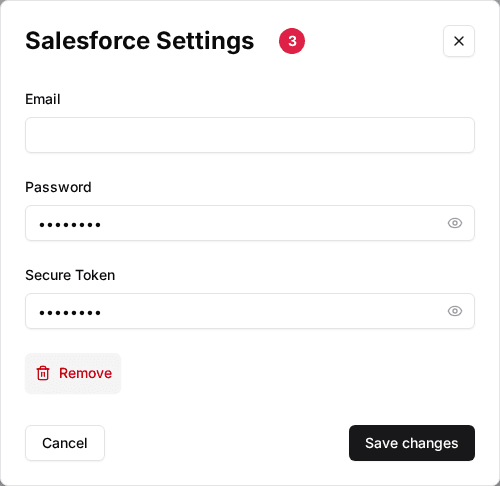
Enter your Salesforce login
Enter the Email and Password of the Salesforce user Rex creates Leads as, plus that user's Secure Token (the security token Salesforce emails when you reset it). Click Save changes.
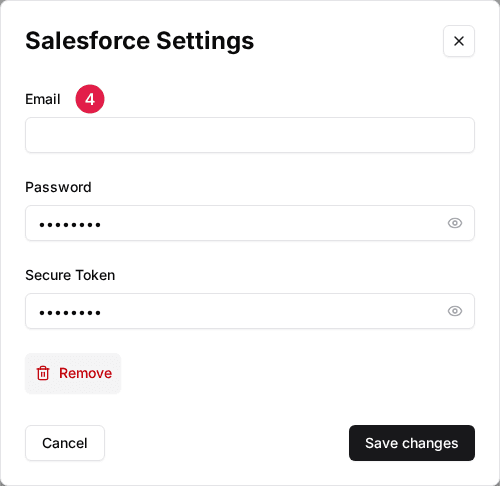
Turn on Salesforce for a venue
Navigate to the venue
Open the venue. The Integrations section is at the bottom of the General tab.
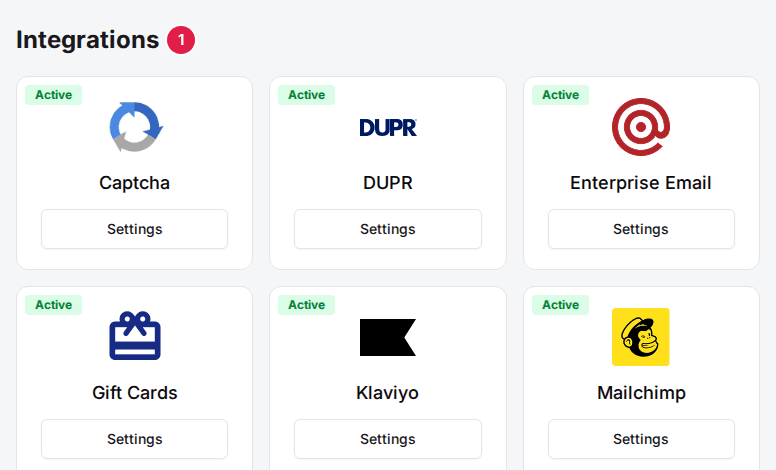
Click Settings on the Salesforce card
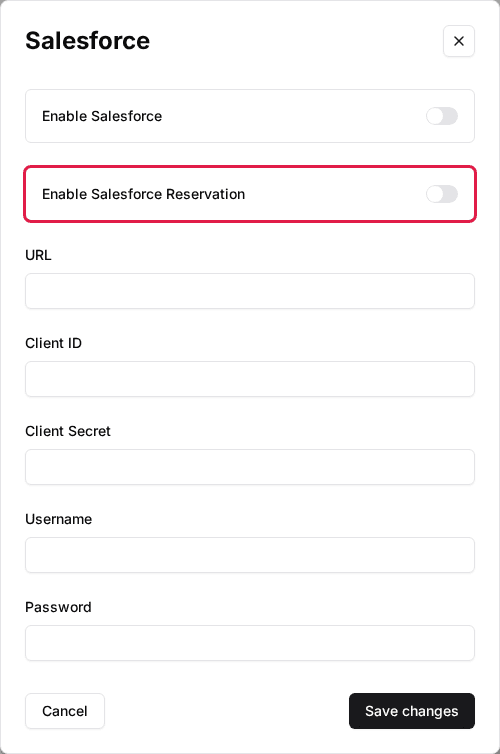
The Salesforce window opens.
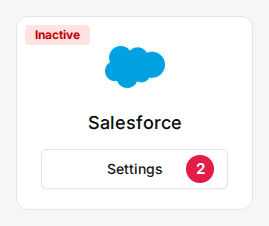
Set the venue's Salesforce fields
Turn on what this venue should send and fill in the reservation sign-in details described below, then click Save changes.
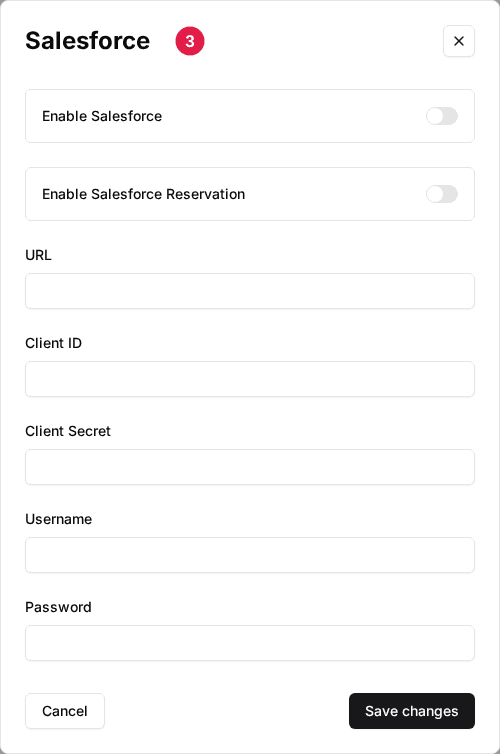
| Field | Description |
|---|---|
| Enable Salesforce | Sends this venue's event inquiries to Salesforce as Leads, using the login on the account card. |
| Enable Salesforce Reservation | Pushes this venue's reservations to Salesforce. A changed reservation is removed and sent again; a cancelled one is removed. |
| URL | Your Salesforce address, for example https://yourcompany.my.salesforce.com. Rex signs in for reservation syncing here. |
| Client ID | The consumer key of the Salesforce connected app Rex signs in through. |
| Client Secret | The consumer secret of that connected app. |
| Username | The Salesforce user Rex signs in as to sync reservations. |
| Password | That user's password. Rex skips reservation syncing if any of these five fields is empty. |
What Rex sends
- Lead: first and last name, email, phone, requested date and time, occasion, number of guests, location (the venue name), newsletter opt-in, lead source and Google Analytics campaign details.
- Reservation: reservation number, date, start time, duration, buffer time, number of lanes, guests, package, add-ons, grand total, amount paid, balance due, occasion and guest of honor.
If a sync fails, Rex emails the details to the venue's Error notification emails, and a failed reservation sync also shows in that reservation's integration history.
Troubleshooting
Event inquiries don't create Leads
Possible causes
- •Enable Salesforce is off at the venue
- •The Email, Password or Secure Token on the account card is wrong, often after the user's password or token was reset
- •Your Lead object is missing Rex's custom fields
Fix
Turn on Enable Salesforce for the venue, then re-enter the login on the account card and click Save changes. If it still fails, contact Rex support about the Lead fields.
Reservations don't appear in Salesforce
Possible causes
- •Enable Salesforce Reservation is off at the venue
- •URL, Client ID, Client Secret, Username or Password is empty or wrong
- •Your org has no REXService endpoint
Fix
Open the venue's Salesforce settings, turn on Enable Salesforce Reservation, check all five sign-in fields and click Save changes. If reservations still fail, contact Rex support about the REXService endpoint.
Updated Oct 8, 2026
Was this helpful?