
Integration not syncing
A reservation never showed up in Tripleseat or Steltronic
Possible causes
- •The sync failed. The reservation's Timeline card shows a red entry for it.
- •The package is not set to send bookings: Send bookings to Tripleseat is off on the package's Tripleseat card, or Sync With Steltronic is off on its Steltronic card.
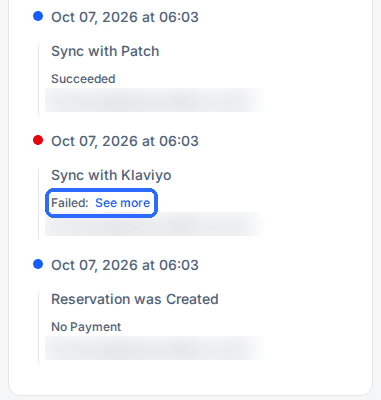
- •The integration is not turned on for the venue (Enable Tripleseat or Enable Steltronic on the venue's integration card).
Fix
Open the reservation and read its Timeline card. Fix the cause, then re-send the reservation with Actions > Manual Sync (steps below). The package switches are in the Integrations section at the bottom of the package page.
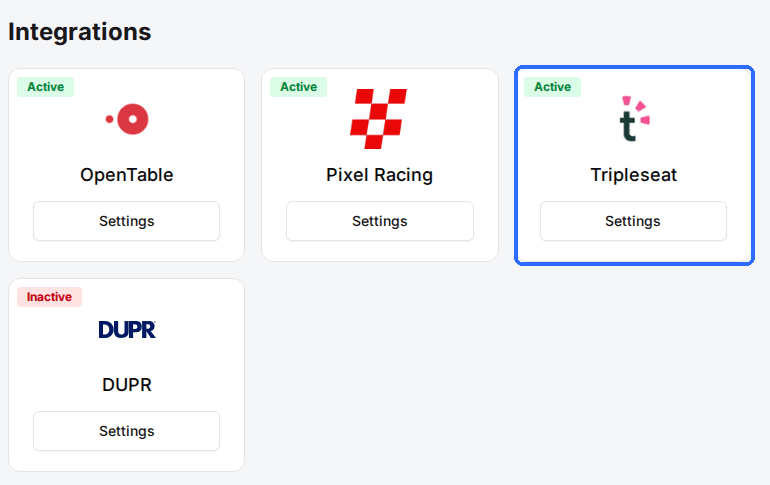
The Timeline shows a red entry with “Failed: See more”
Possible causes
- •The other system rejected the reservation. The full error is behind See more.
- •Something the integration needs changed in the other system, such as a renamed or removed room, location or login.
Fix
Click See more to read the whole error. Fix what it names, in Rex or in the other system, then use Manual Sync for Tripleseat or Steltronic. For any other integration, contact Rex support with the reservation number and the error text.
Manual Sync has no integration to choose
Possible causes
- •Manual Sync only re-sends to Tripleseat and Steltronic, and lists each one only when it is turned on for the reservation's venue.
Fix
Turn on Enable Tripleseat or Enable Steltronic on the venue's integration card if that is the integration you use. Other integrations have no manual re-send; contact Rex support for those.
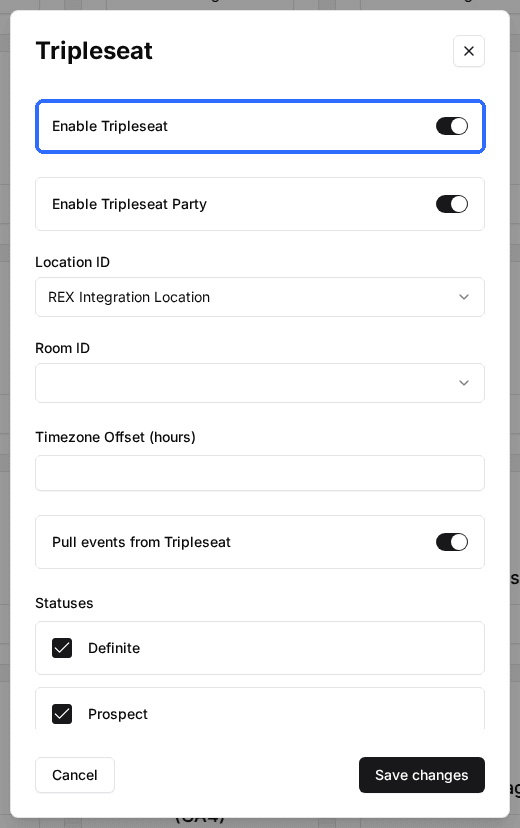
The integration's card has no Active badge
Possible causes
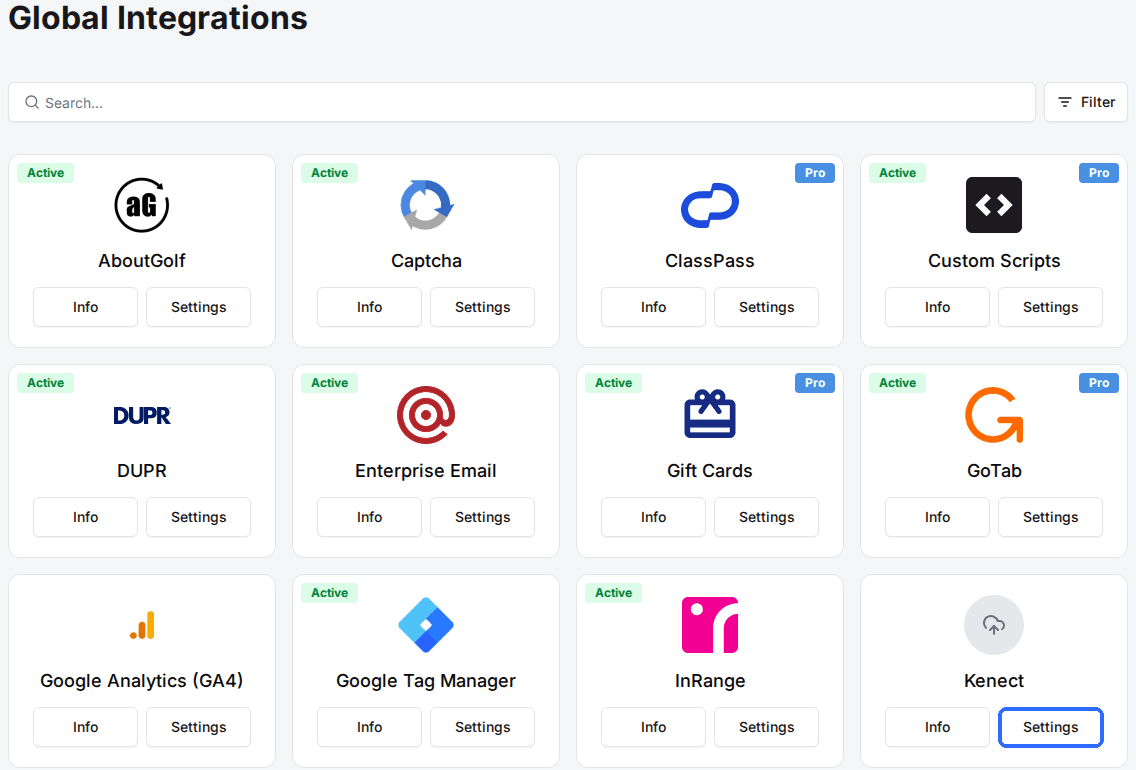
- •On Global Integrations, an added integration shows Active only once its connection details are filled in.
- •On the venue's General tab, the card reads Inactive because the integration is switched off for that venue.
Fix
On Global Integrations, click Settings on the card and complete the connection. Then open the venue's General tab, click Settings on the same card in its Integrations section and turn the integration on for the venue. Only Global Admins see Marketplace > Integrations.
Read the sync log on a reservation
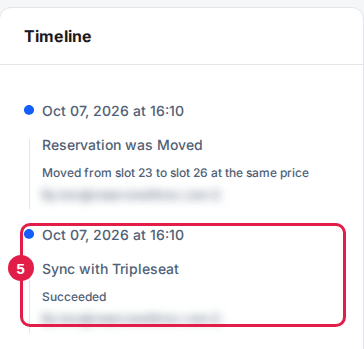
Every attempt to send a reservation to another system is logged on that reservation, in the Timeline card of Reservation Details. Each entry shows the date and time, a name such as Sync with Tripleseat or Sync cancel with Steltronic, the result, and who triggered it. A blue dot means it succeeded and a red dot means it failed. A long failure message is shortened to Failed: See more; click See more to read all of it.
There is no account-wide sync log. To check a sync, open the reservation it belongs to.
Re-send a reservation
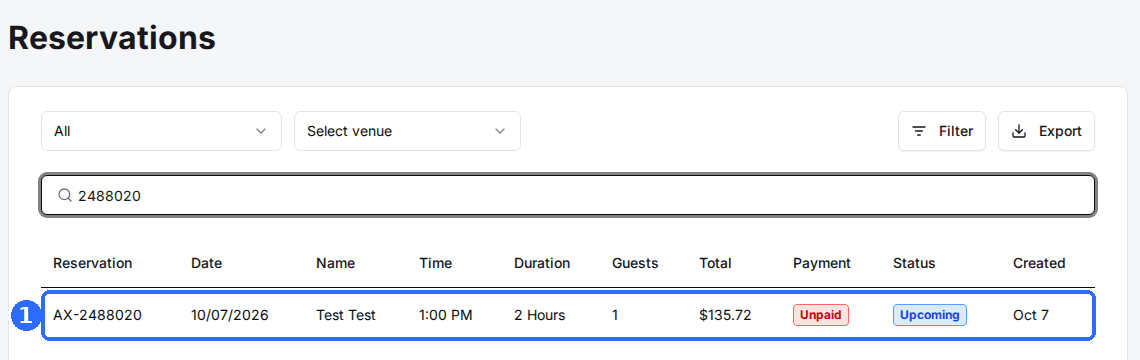
Open the reservation
Click the reservation in the list to open Reservation Details.
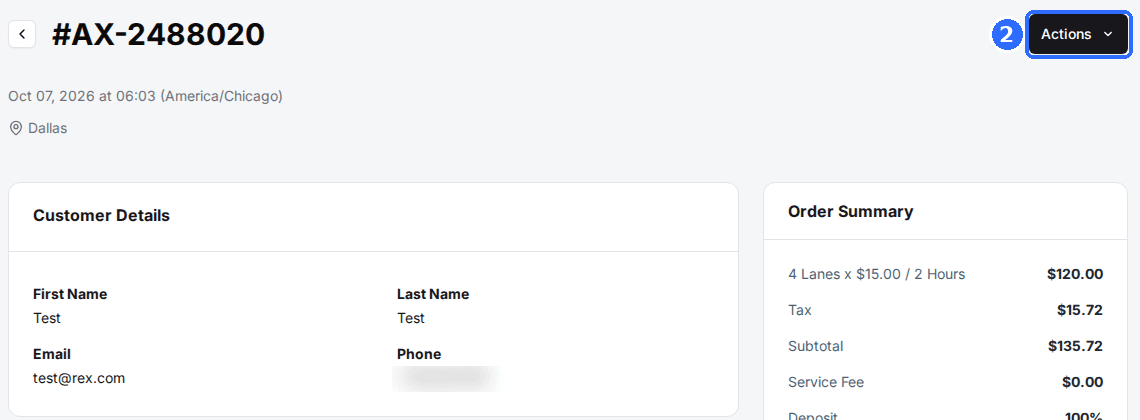
Click Actions
The Actions button is at the top right of Reservation Details.
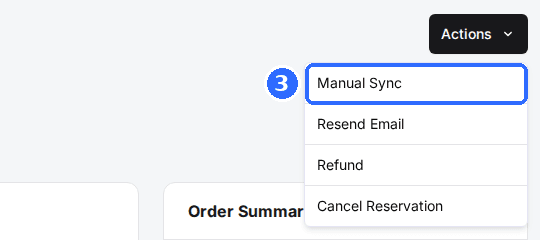
Select Manual Sync
The Manual Sync dialog opens.
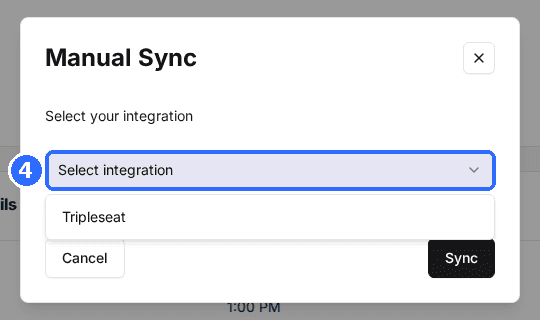
Select the integration
Under Select your integration, pick Tripleseat or Steltronic, then click Sync.
Verify the result
Reload the reservation and check the newest entry on the Timeline card. If it is red again, click See more and fix what the error names before trying again.
If the other system is down or your account there is suspended, nothing will sync until it is back. Check your login on the other platform before contacting Rex support.
Updated Oct 8, 2026
Was this helpful?