
Set up a custom URL for your reservation page
By default your booking page lives at an address like yourvenue.reservewithrex.com. You can move it to a subdomain of your own domain, such as reserve.yourvenue.com or play.yourvenue.com. You add one DNS record, and Rex connects the address to your account and sets up its security certificate.
Custom domains are part of the Enterprise plan. Rex has to add the domain to your account; you can't switch it from the admin dashboard yourself.
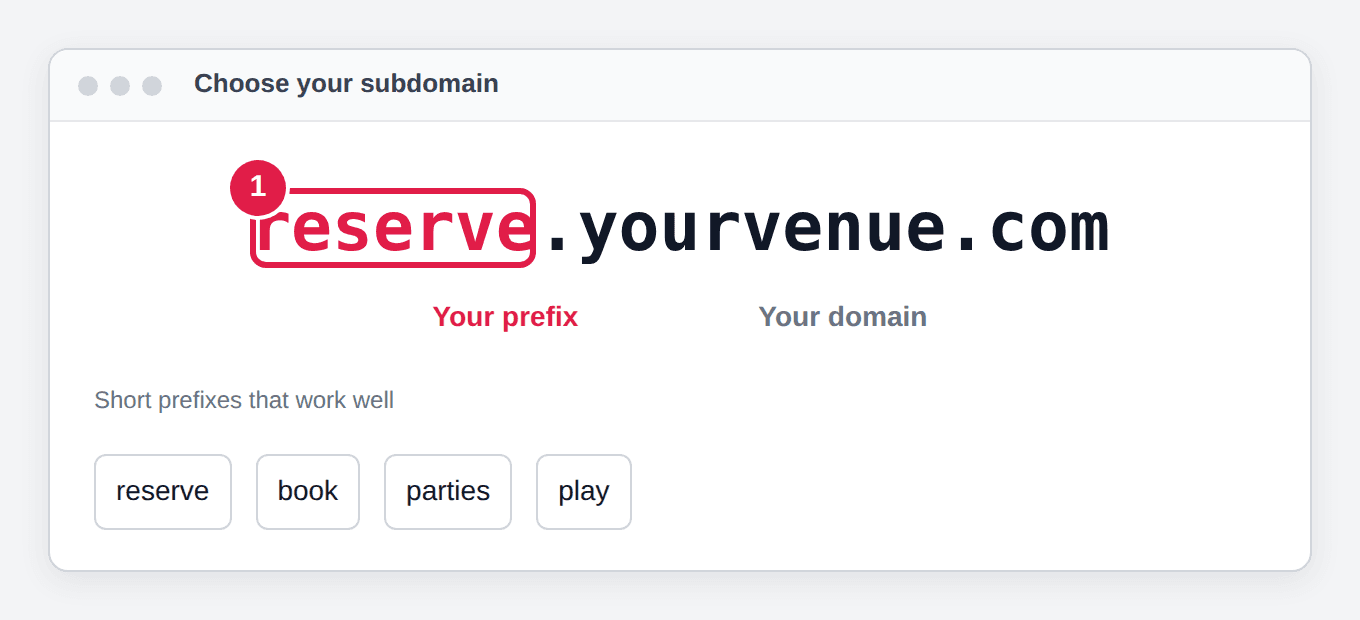
Choose your subdomain
Pick a short prefix that suits your venue, such as reserve, book, parties or play. Your address will be something like reserve.yourvenue.com.
Open your domain provider's DNS settings
Log in where your domain is managed (GoDaddy, Namecheap, Cloudflare and so on) and open its DNS management page.
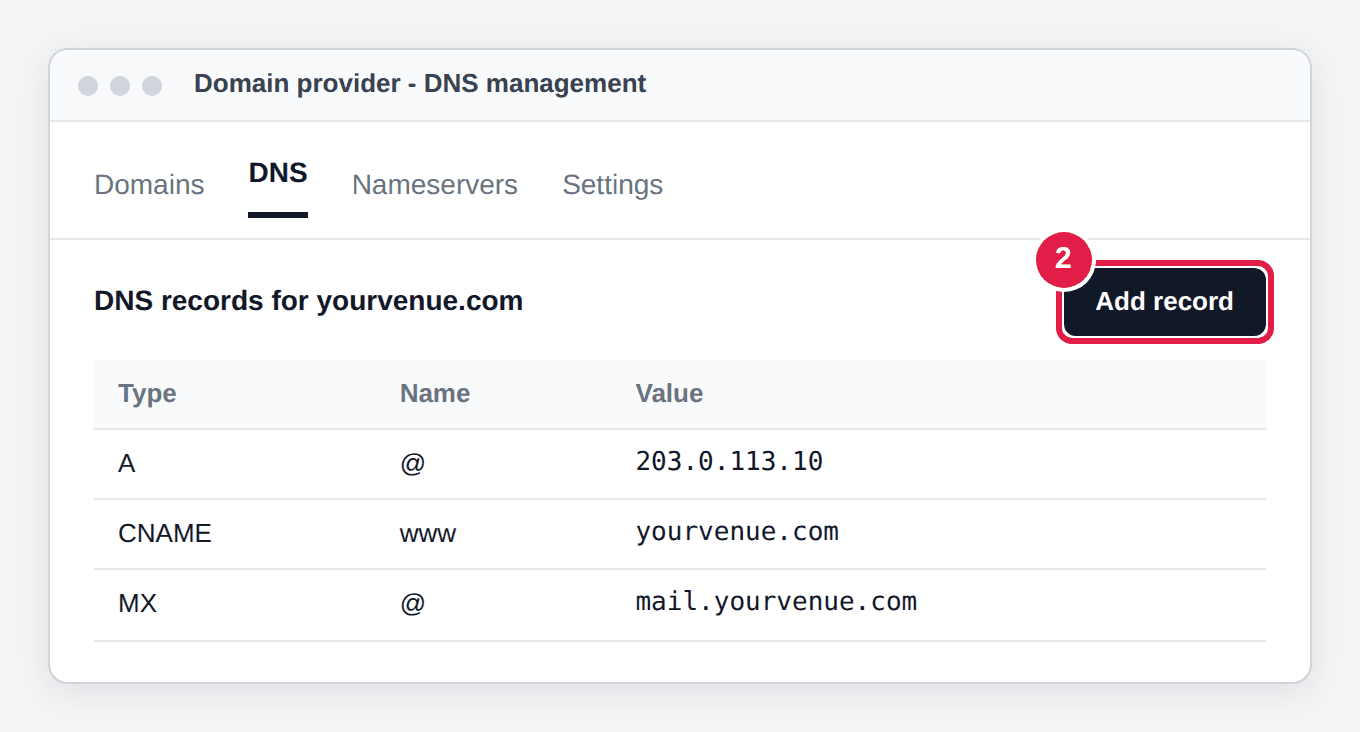
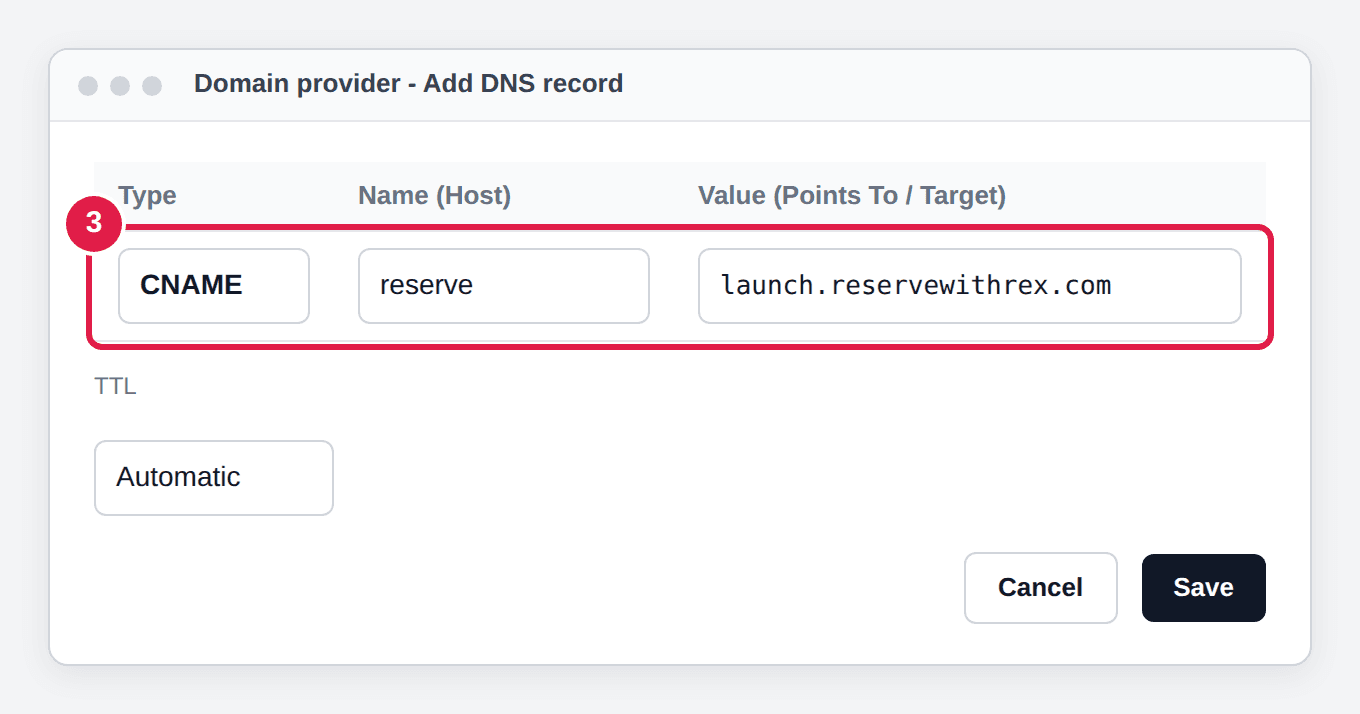
Add a CNAME record
Set the Host (or Name) to your prefix, for example reserve, and set Points To (or Target) to launch.reservewithrex.com. Save the record.
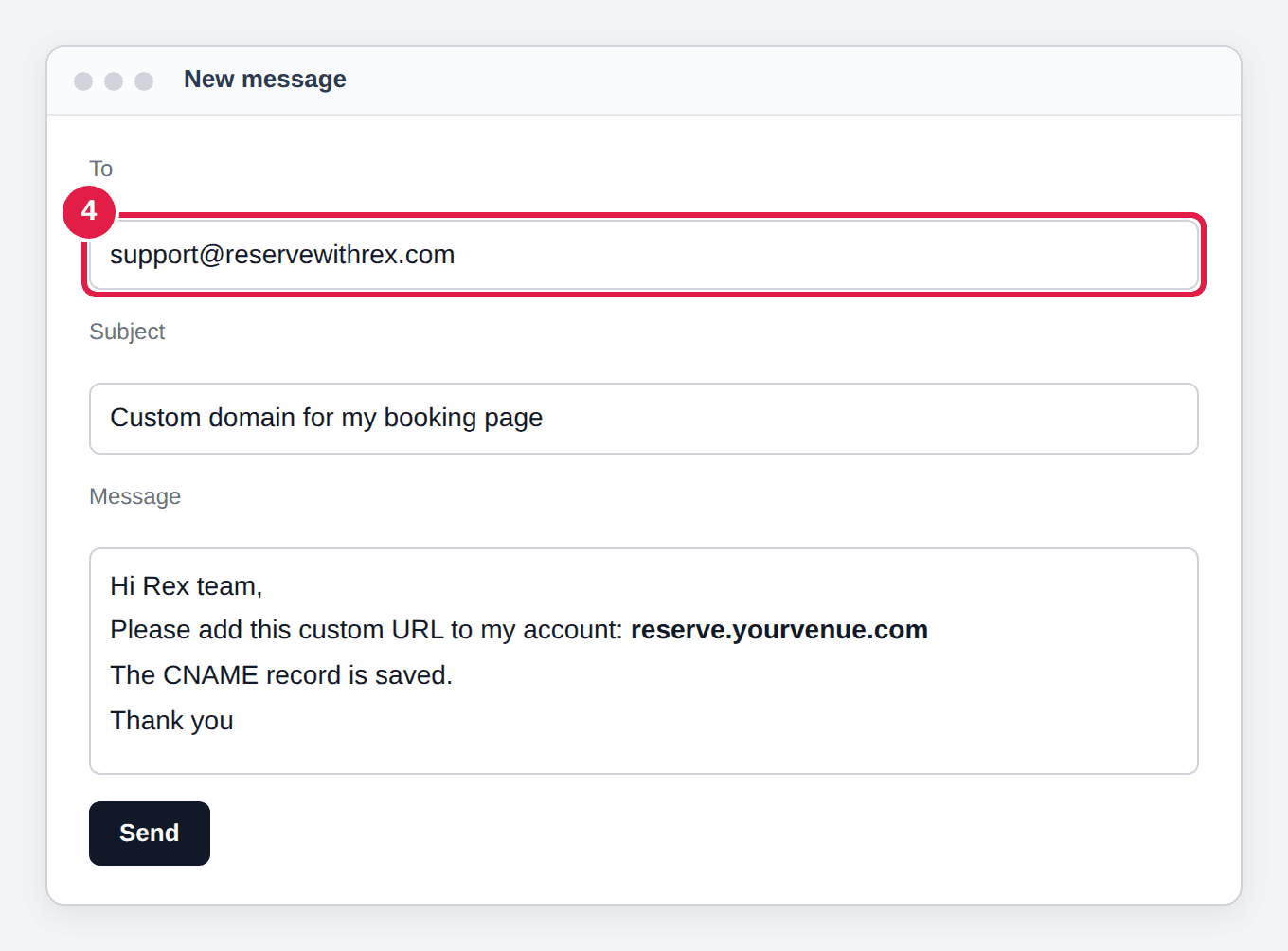
Send the full address to Rex support
Email support@reservewithrex.com with the full subdomain, for example reserve.yourvenue.com. Rex adds it to your account and issues the security (SSL) certificate for it.
Verify the custom URL
Once Rex confirms, open https:// plus your subdomain in a browser. It should load your booking page with a padlock in the address bar. DNS changes can take a few hours to reach everyone.
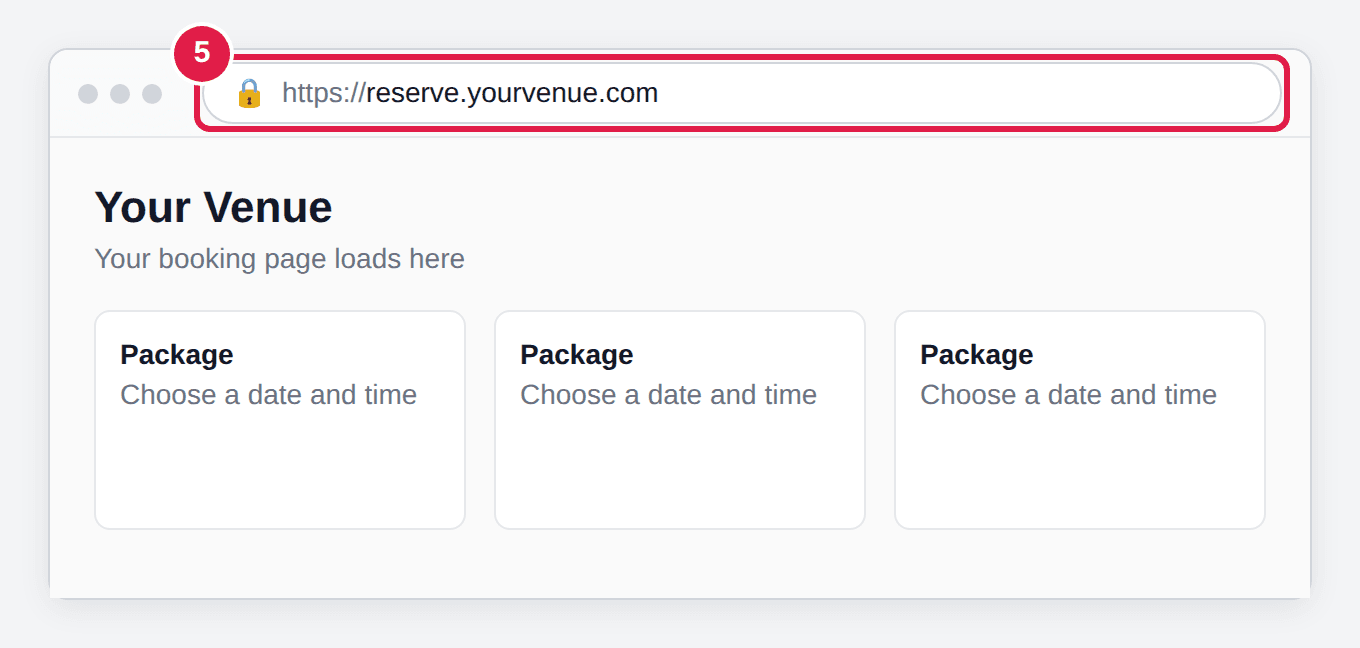
Until Rex has added the domain, the CNAME alone shows a browser security warning instead of your page. Don't share the new address until step 5 checks out.
Once it works, update the booking links on your website and in your marketing to the new address. See Reservation page link URLs explained for the links Rex builds.
Updated Oct 8, 2026
Was this helpful?