
Connect Klaviyo
Connect Klaviyo to add your guests to Klaviyo. Each time a guest books at a venue with Klaviyo turned on, Rex creates or updates the guest's Klaviyo profile with their first name, last name, email and phone. If the guest opted in to offers when booking, Rex also adds them to the Klaviyo list you choose. Rex also adds a guest as a profile when they register on your booking site.
Rex doesn't send booking events or metrics to Klaviyo. Build your flows and campaigns in Klaviyo on the list or on profile data instead.
Klaviyo carries a Pro badge. If your account isn't on the Pro plan, the Add window says that adding Klaviyo upgrades your subscription before you confirm.
Connect your Klaviyo account
Navigate to Global Integrations
Type Klaviyo in the search box to find its card.
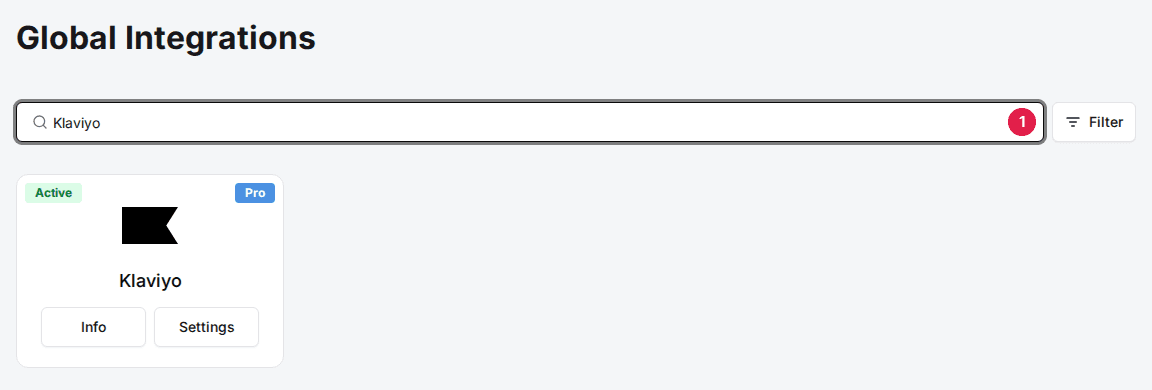
Add the Klaviyo card
Click Add, then Confirm and Add. If the card already shows Info and Settings, it's added, so go to the next step.
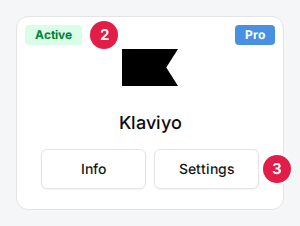
Click Settings on the Klaviyo card
The Klaviyo Settings window opens.
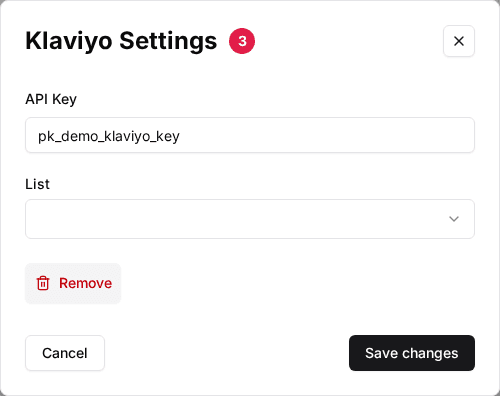
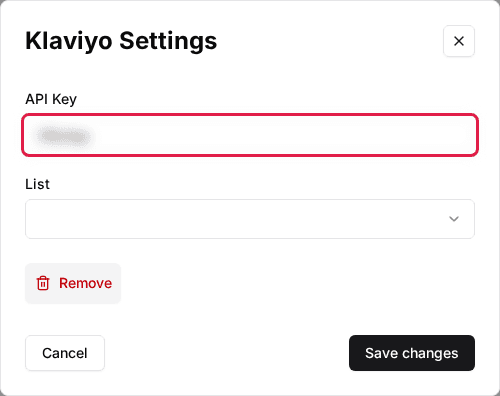
Enter your API Key
Paste a Klaviyo private API key that can read and write profiles and lists, then click Save changes.
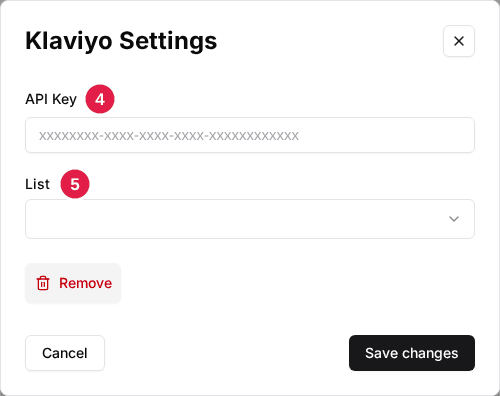
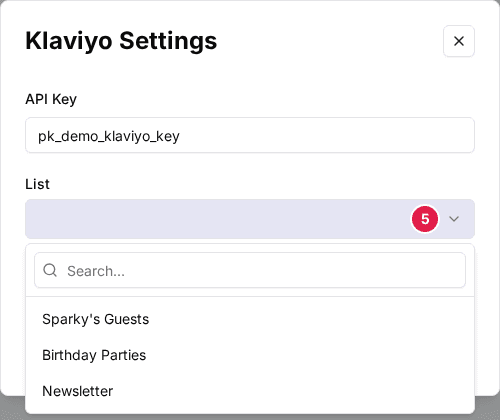
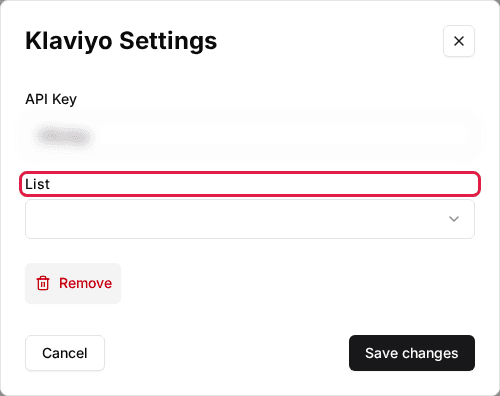
Select a List
Click Settings on the card again. The List dropdown loads your Klaviyo lists once a key is saved. Pick the list opted-in guests should join, then click Save changes.
Turn on Klaviyo for each venue
Rex only syncs bookings from venues where Klaviyo is on. Repeat these steps for each venue.
Navigate to the venue
Open the venue. The Integrations section is at the bottom of the General tab.
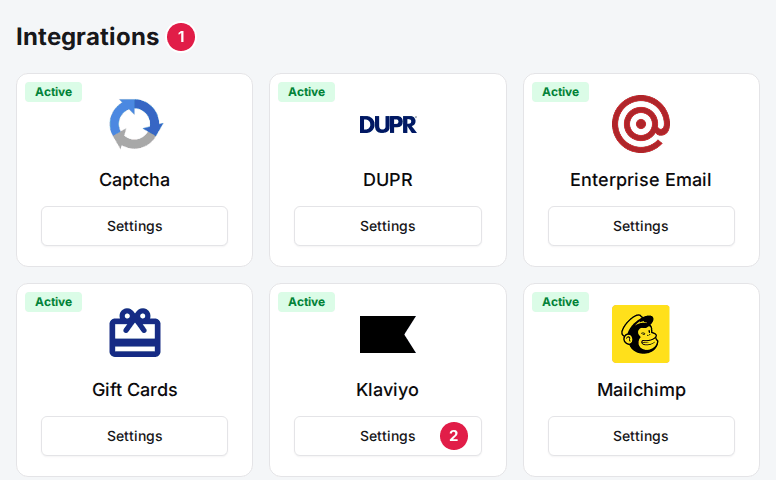
Click Settings on the Klaviyo card
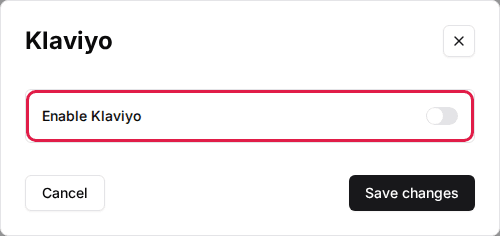
The Klaviyo window opens.
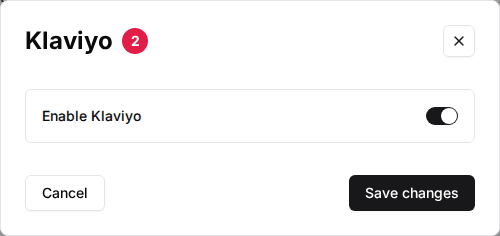
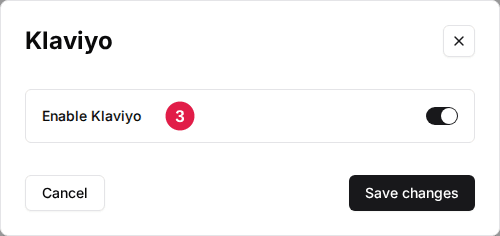
Toggle Enable Klaviyo to ON
Click Save changes. Once the account card has an API key and this switch is on, the venue's Klaviyo card shows Active.
Check that it works
Make a test booking at the venue with an email you can look up, then search for it under Profiles in Klaviyo. If you ticked the offers opt-in, the profile is also in the list you picked. Each reservation's integration history records whether the Klaviyo sync succeeded, and the error Klaviyo returned if it didn't.
Troubleshooting
No guests reach Klaviyo
Possible causes
- •Enable Klaviyo is off at the venue
- •The API Key is missing or no longer valid
Fix
Turn on Enable Klaviyo in the venue's Klaviyo settings, then check the API Key on the account card and save it again.
Profiles are created but nobody joins my list
Possible causes
- •No List is selected on the account card
- •The guests didn't opt in to offers when booking
Fix
Open the Klaviyo card's Settings and pick a List. Only guests who opt in to offers are added to it; everyone else still gets a profile.
The List dropdown is empty, or Getting Klaviyo lists failure appears
Possible causes
- •The API Key is wrong or can't read lists
Fix
Create a private API key in Klaviyo with read and write access to profiles and lists, paste it into API Key, click Save changes, then reopen Settings.
Updated Oct 8, 2026
Was this helpful?