
Connect InRange
InRange connects Rex to your InRange ball-tracking system. When staff check a reservation in, Rex creates an InRange PIN for the reservation's bays with the guest's name and booked time, and adds the PIN to the reservation's admin notes.
Rex manages the connection to InRange itself, so there is no API key to enter. You only need your venue's InRange Facility ID. If you don't have it, ask InRange or contact Rex support.
Add InRange to your account
Navigate to Marketplace > Integrations
Search for InRange. Venue Admin, Regional Admin and read-only users don't see this page; ask an account admin.
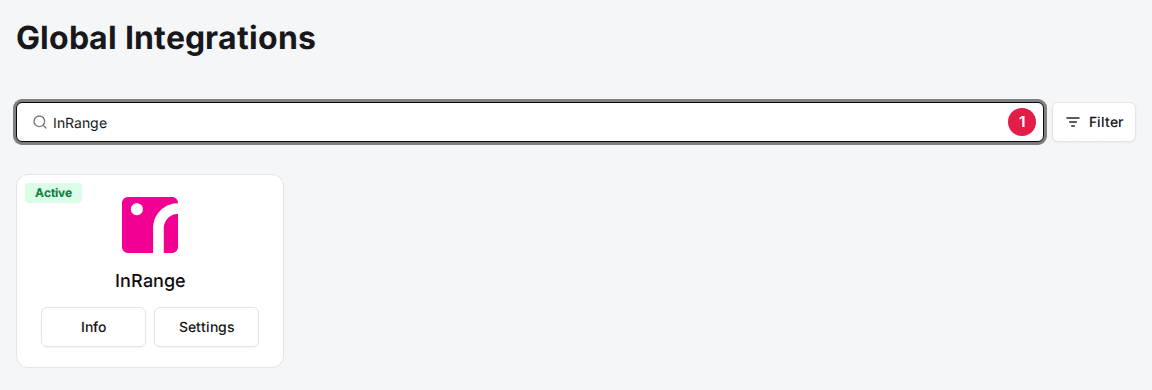
Click Add on the InRange card
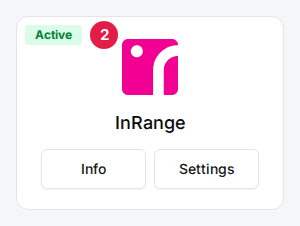
Read the description and click Confirm and Add. The card then shows Settings and Info.
Turn it on for a venue
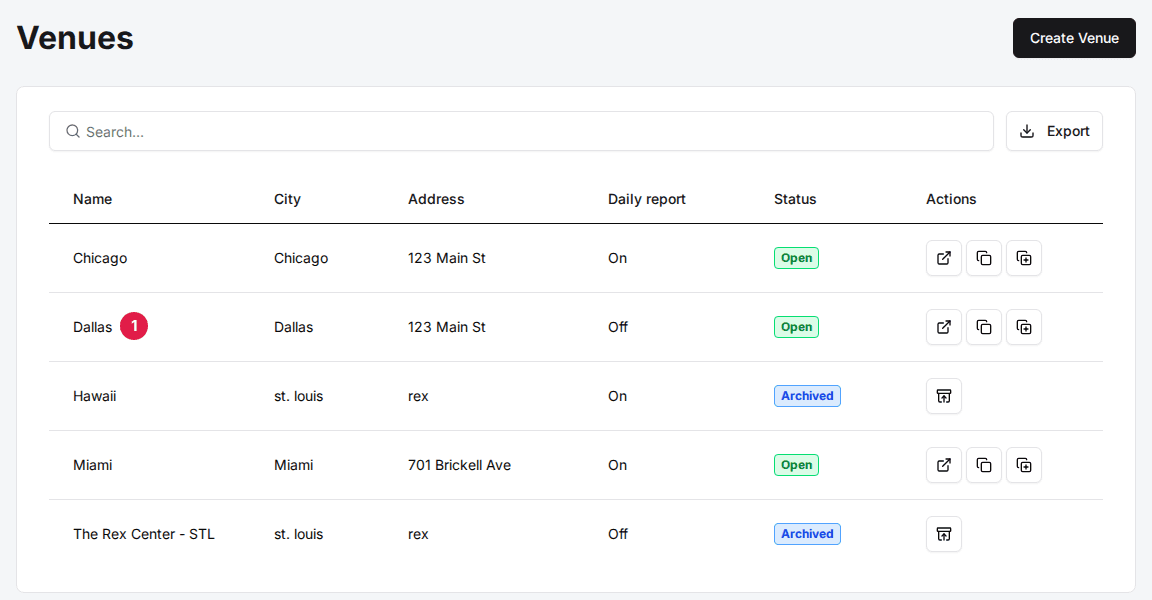
Open the venue
Click the venue. You land on its General tab.
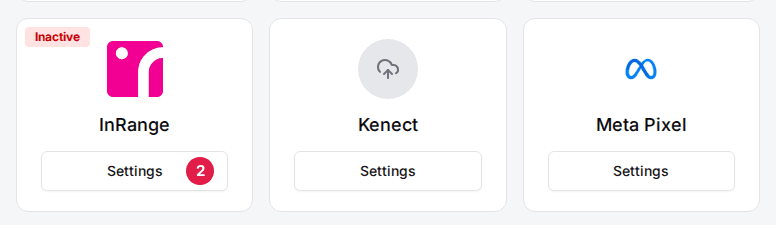
Click Settings on the InRange card
The card is in the Integrations section at the bottom of the General tab.
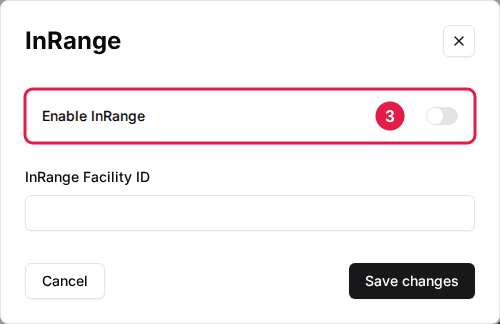
Toggle Enable InRange to ON
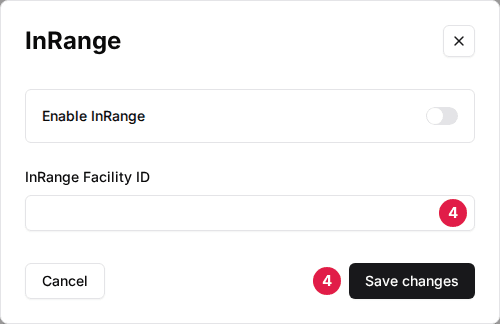
Enter your InRange Facility ID
Then click Save changes. Repeat for every venue that uses InRange.
Map bays to InRange
Rex tells InRange which bays to activate from the resources on the reservation, so give every bay its InRange number. A resource that covers several InRange bays can hold more than one number, separated by commas.
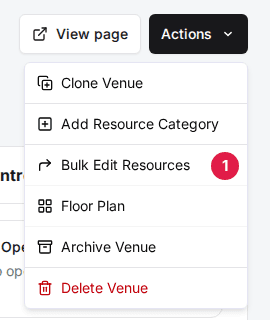
Click Actions > Bulk Edit Resources
The Actions menu is at the top right of the venue page.
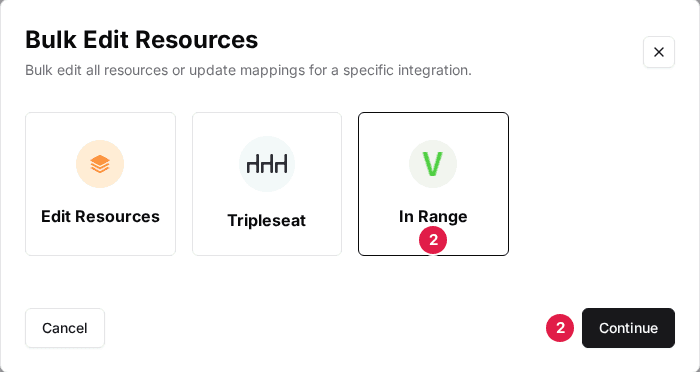
Select In Range and click Continue
In Range appears here once Enable InRange is saved for the venue.
Enter the In Range Bay Number for each resource
One resource category shows at a time; the arrow buttons move between categories.
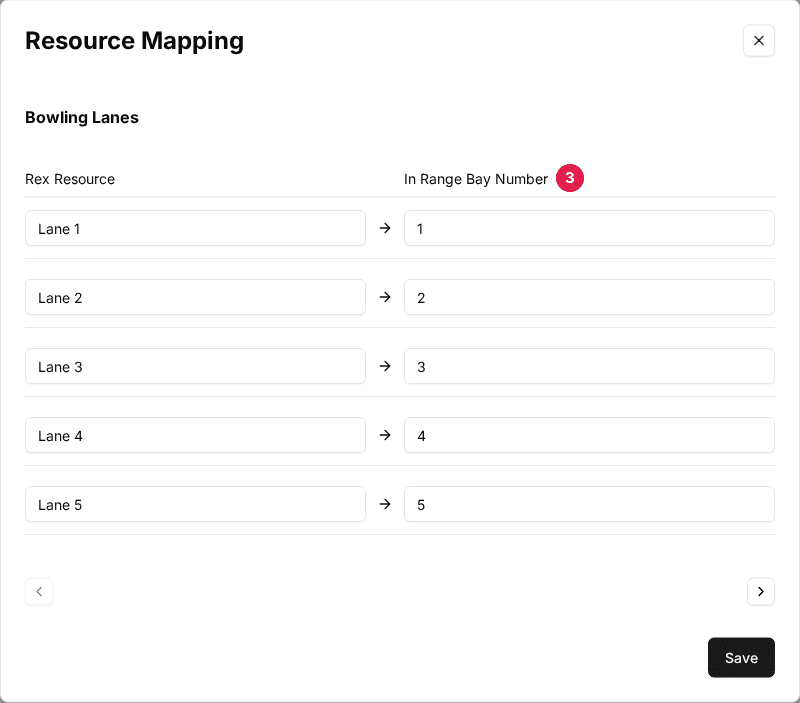
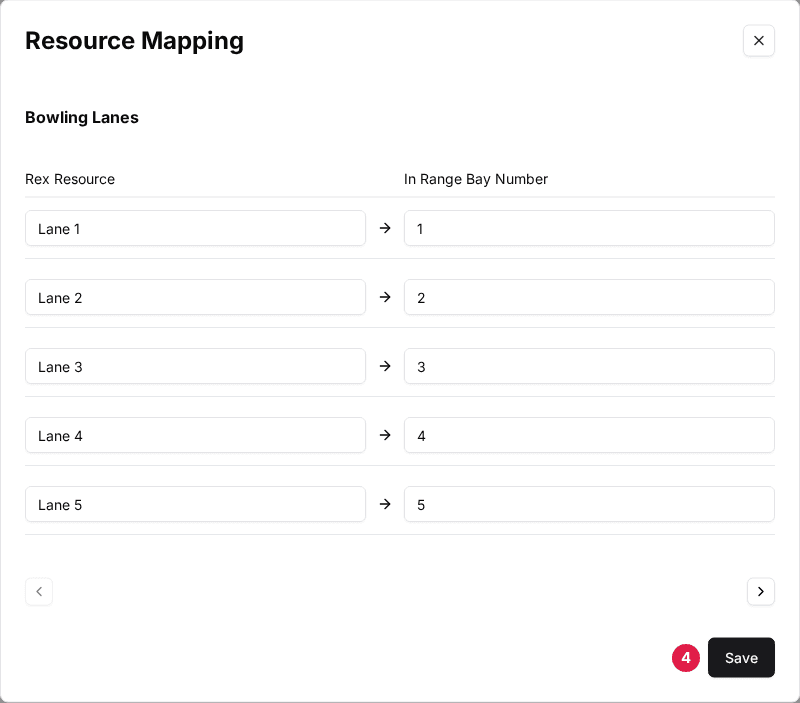
Click Save
Save stores the category on screen, so save before moving to the next category.
To change a single bay, open the venue's Resources tab, click the ⋮ menu on the resource, choose Edit, open the Mapping tab and set In Range Bay Number.
What happens at check-in
- Checking a reservation in creates the InRange PIN and adds PIN: … to the reservation's admin notes.
- If the venue uses GoTab, the PIN is also sent to the GoTab tab opened at check-in.
- Undoing the check-in cancels the PIN in InRange.
- A reservation whose resources have no In Range Bay Number is not sent to InRange.
- Each attempt is logged as Sync with InRange on the reservation's Timeline, and failures are emailed to the venue's Error notification emails (General tab, Venue Settings).
If a PIN isn't created, start with View integration sync history and Integration not syncing — how to diagnose.
Updated Oct 8, 2026
Was this helpful?