
Strikethrough pricing — show a crossed-out original price next to a sale price
Strikethrough pricing shows a higher "original" price crossed out next to your real price, so guests see the deal at a glance. It's a great way to signal a sale, a limited-time rate, or a price drop and nudge guests to book.
Strikethrough pricing is display-only. It shows a crossed-out number next to your actual price — it doesn't change what guests are charged. The real price still comes from the rates on your schedule's time slots. To apply a true discount, use a discount code instead.
Because the price lives on the schedule, you turn strikethrough pricing on per schedule, in the Schedule window.
Turn on strikethrough pricing
Open the package's schedule
Open the venue, go to the Packages tab, and click the package. In the Schedules section, click the schedule you want to feature to open the Schedule window.
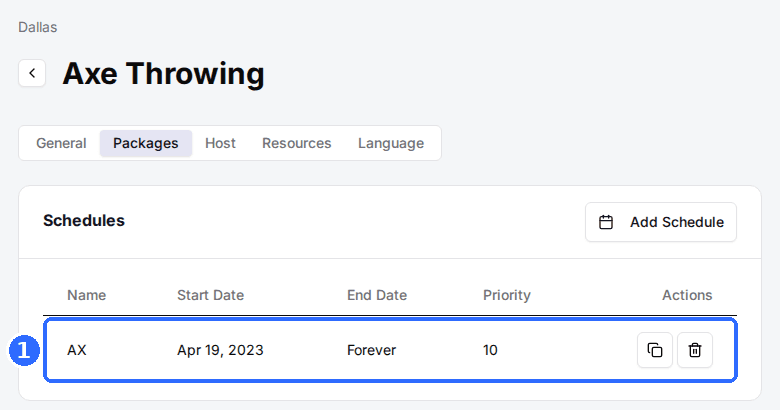
Turn on Feature Discount Price
In the Schedule window, switch on Feature Discount Price. Two fields appear.
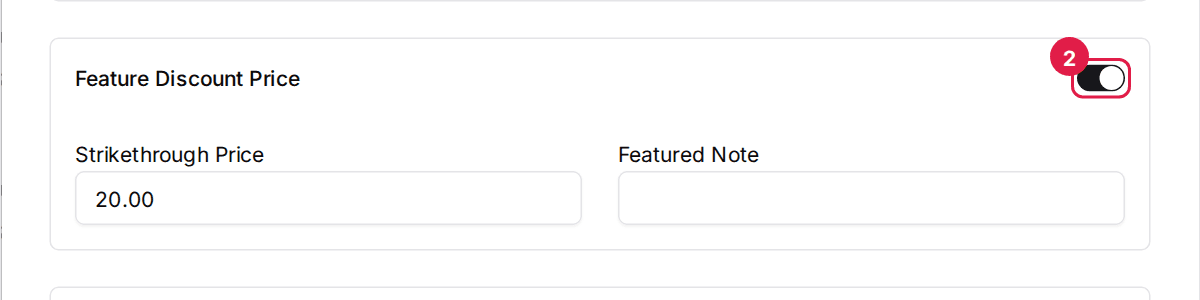
Enter the Strikethrough Price
In Strikethrough Price, enter the higher original price you want shown crossed out — it should be above your actual rate. Optionally add a Featured Note (for example "Limited time") to display alongside it.
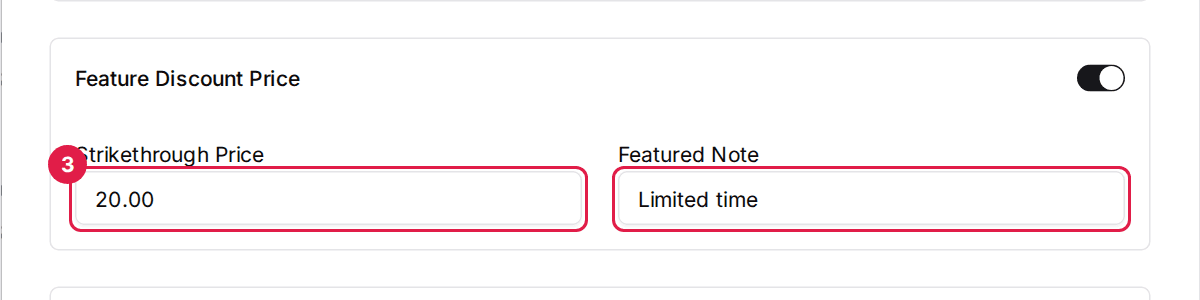
Save and verify
Click Save Changes, then open your reservation page. The package card now shows the crossed-out Strikethrough Price next to your real price.
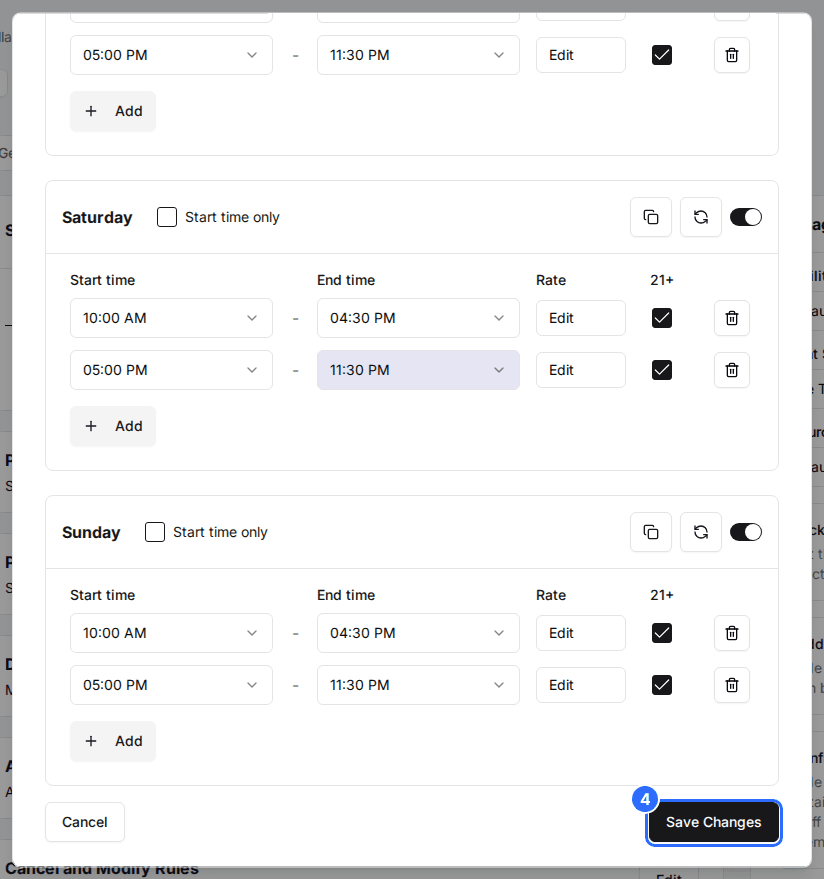
Your real price comes from the slot rates in that same schedule, so set those first. Set the Strikethrough Price higher than your rate — if it's lower, the "discount" reads backwards.
What guests see
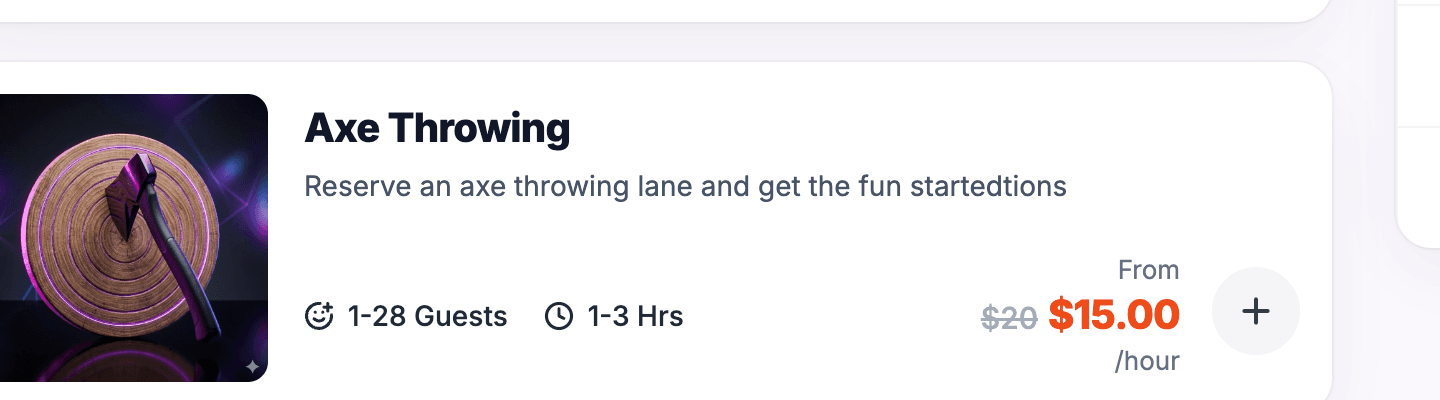
On your reservation page, the package card shows the Strikethrough Price crossed out, then your actual price, with the From label and pricing-model suffix (for example /hour). Any Featured Note appears nearby.
For example, an Axe Throwing package with a Strikethrough Price of $20 and a real rate of $15 per hour shows "From $20 $15.00 /hour" — the $20 struck through, the $15.00 highlighted.
The Feature Discount Price toggle and your slot rates both live in the Schedule window. For building the schedule and entering rates, see Set up your schedule and pricing.
Updated Oct 8, 2026
Was this helpful?