
View, filter, and search reservations
The Reservations page in the admin dashboard lists the reservations at all your venues. Narrow it by date, venue, search and filters, sort it, export it, and click any row to open that reservation.
Navigate to Reservations
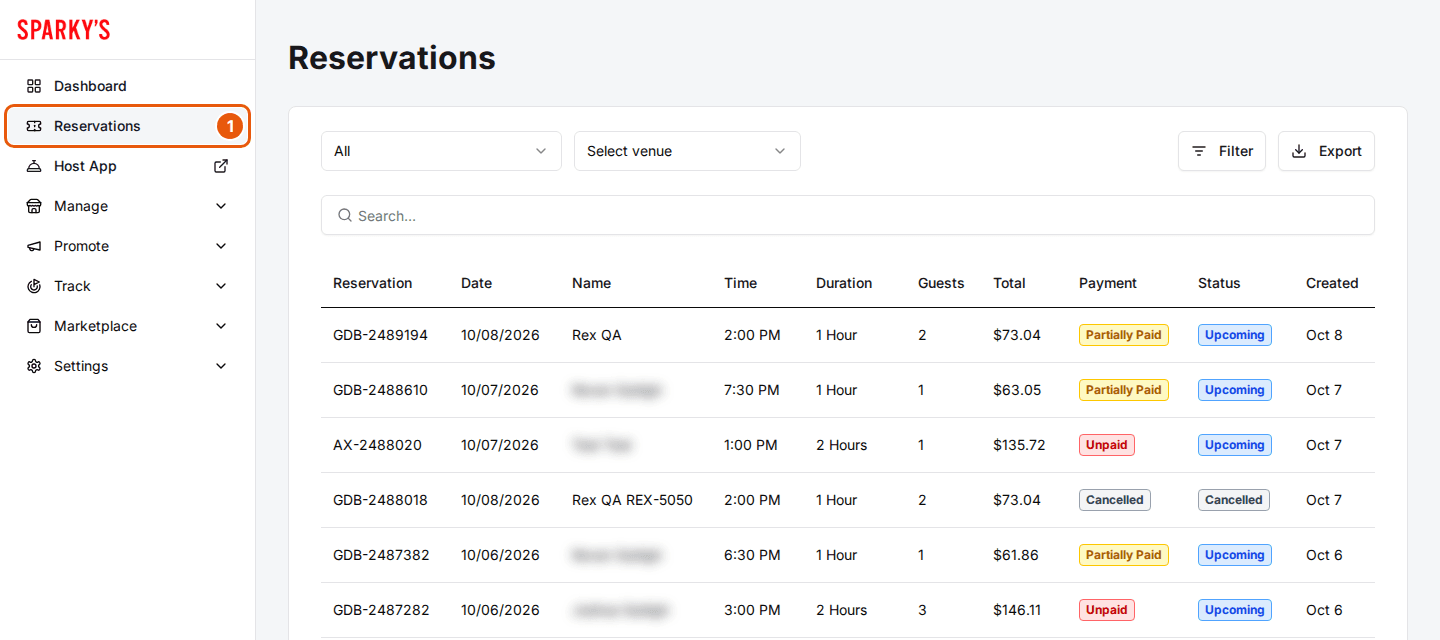
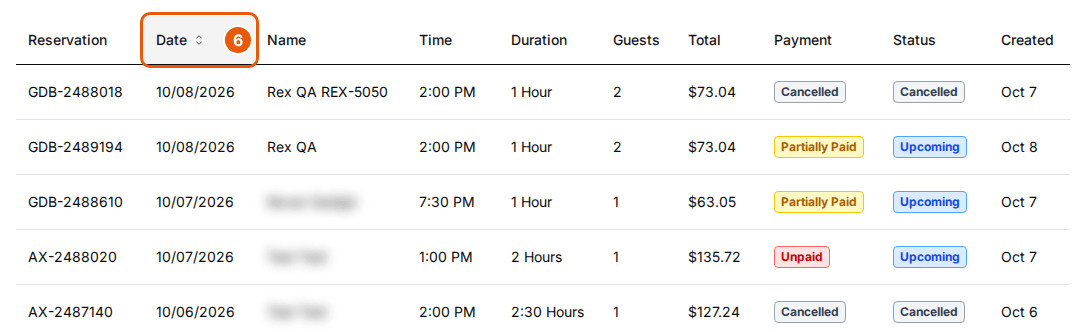
Click Reservations in the left menu. The list opens with every reservation. Each row shows the reservation number, date, guest name, time, duration, guests, total, payment status, check-in status and the date it was created.
Set a date range
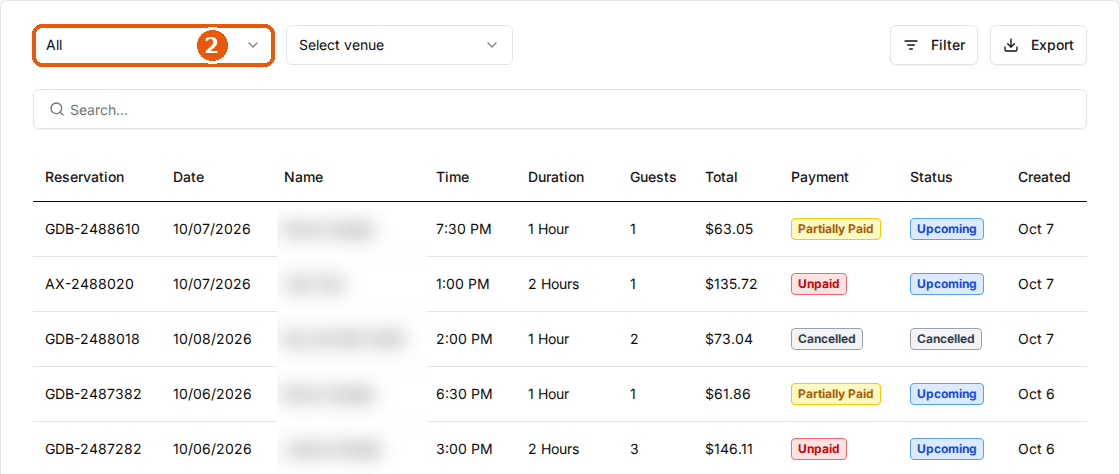
Pick a period from the dropdown at the top left: Today, This week, Last week, This month, Last month, Year to date, This year, Last year or All. Choose Custom to pick your own start and end dates, then click Save.
Select venues
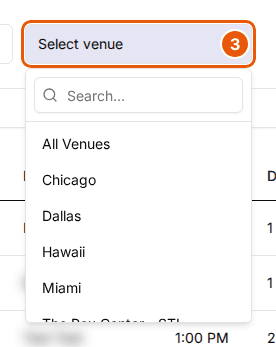
Open the venue dropdown next to it and pick a venue. Pick more venues to add them, or pick a selected venue again to remove it. All Venues shows every location.
Search
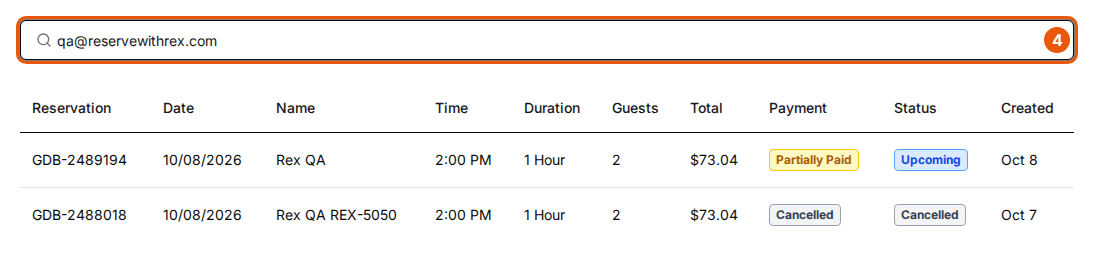
Type a reservation number, guest name, email or phone number in the search box. The list updates a moment after you stop typing; press Enter to search straight away.
Apply filters
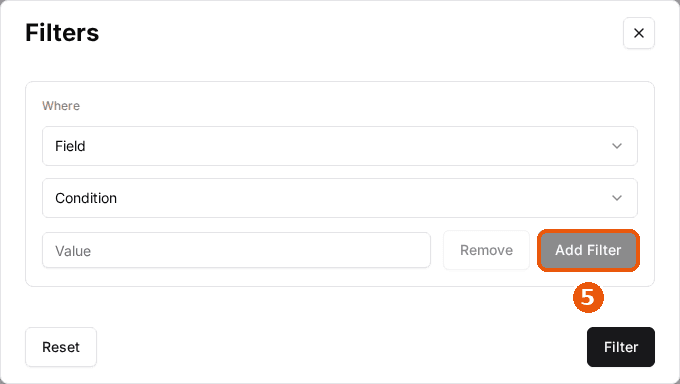
Click Filter. In Filters, pick a Field, a Condition and a Value. Click Add Filter to add another rule; every rule must match. Click Filter to apply the rules, or Reset to clear them. The Filter button shows how many rules are active.
Sort the list
Click a column header to sort by it. Click it again to reverse the order.
Export the list
Click Export to download reservations-managers-report.csv. It covers the period, venues and search you've set; the rules you set in Filters aren't applied to the file.

Open a reservation
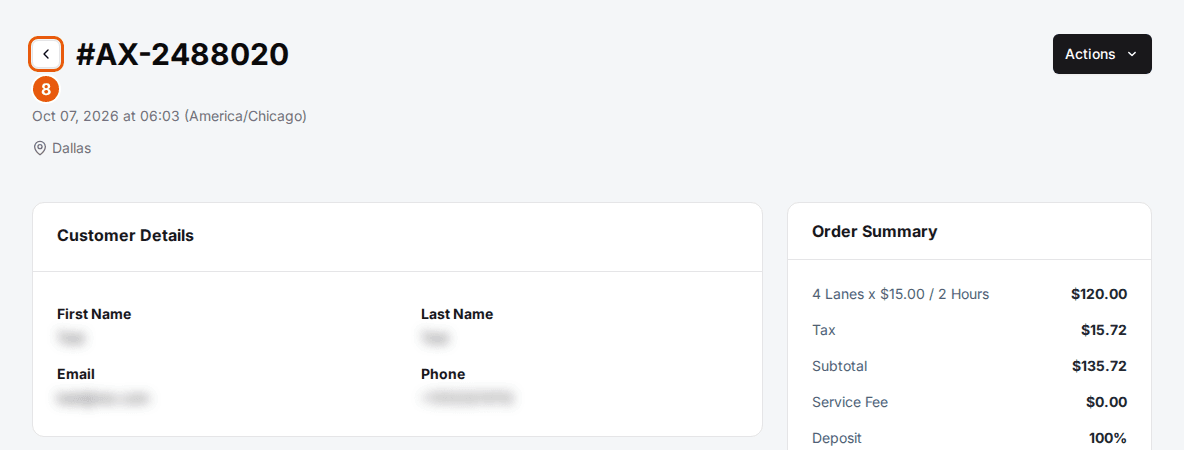
Click any row to open the reservation's details and actions. Click the back arrow next to the reservation number to return to the list.
Filter fields
Use the date range dropdown for dates; Filters covers these fields.
| Field | Description |
|---|---|
| Guests | The number of guests. |
| Duration | How long the reservation lasts. |
| Start Time | The reservation's start time. Use is on, is after or is before. |
| Reservation Number | All or part of the reservation number. |
| Card Last 4 | The last four digits of the card used to pay. |
| Payment Status | Paid, Unpaid, Partially Paid and the other payment statuses. |
| Check In Status | Upcoming, Checked In, No Show and the other check-in statuses. |
Columns
| Field | Description |
|---|---|
| Reservation | The reservation number. |
| Date | The date of the reservation. |
| Name | The guest's first and last name. |
| Time | The start time. |
| Duration | How long the reservation lasts. |
| Guests | The number of guests. |
| Total | The reservation total, including tax, fees, add-ons and discounts. |
| Payment | The payment status, such as Paid, Unpaid, Partially Paid or Cancelled. |
| Status | The check-in status, such as Upcoming, Checked In or Cancelled. |
| Created | The date the reservation was booked. |
To refund, cancel or resend a confirmation, open the reservation and use Actions. See Manage a reservation.
Updated Oct 8, 2026
Was this helpful?