
Set different prices by guest type (age-based pricing)
Age groups let you charge different rates for different guest types within one package: adults and children, players and spectators, or a discounted group like veterans. You define the groups in the package's Package Settings, then price each group on every time slot of the schedule.
Choose a pricing method
Age Groups (per hour)
Each group has its own hourly rate, multiplied by the hours booked.
Best for: Hourly bookings with mixed guest types.
Age Groups (flat rate)
Each group pays a flat rate per guest, whatever the length.
Best for: Fixed-length activities, events, and tickets.
Set up your groups
Open Package Settings
Click your venue, open the Packages tab, and click the package. Then click Edit on the Package Settings card.
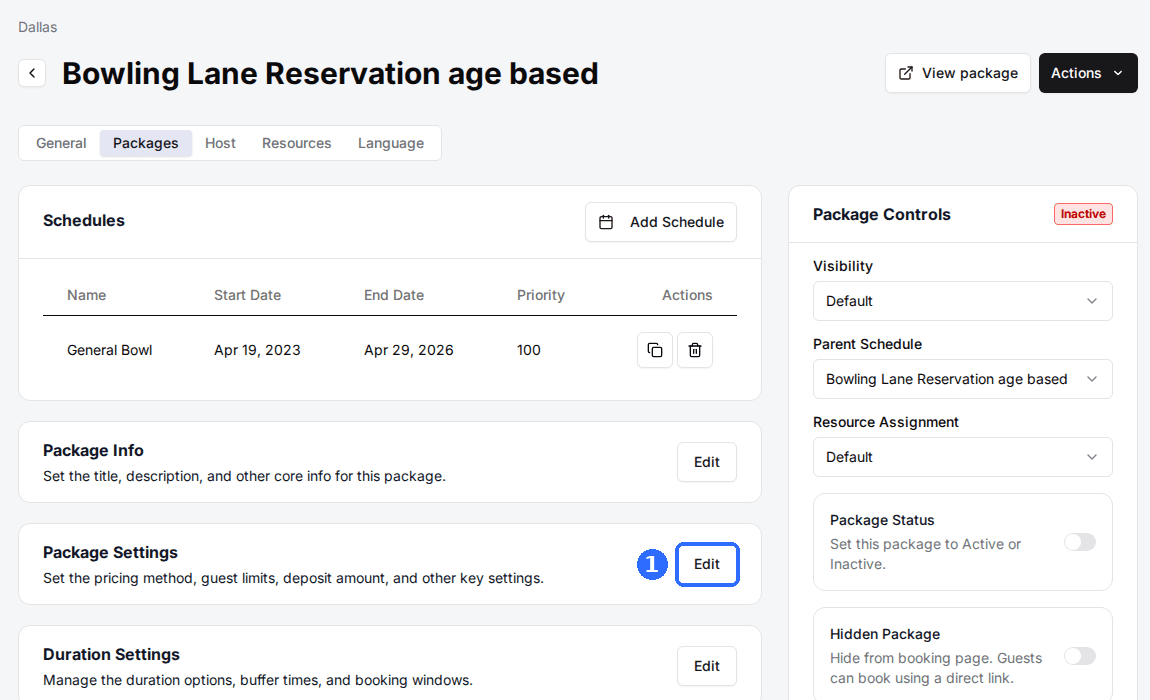
Select an Age Groups pricing method
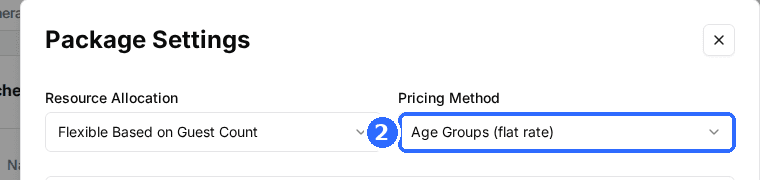
Set Pricing Method to Age Groups (per hour) or Age Groups (flat rate). An Age Groups panel appears below it.
Add your guest groups
Click Add Item for each group and fill in the fields below, then click Save changes.
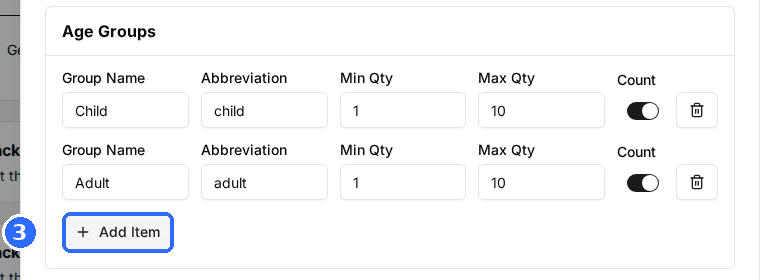
| Field | Description |
|---|---|
| Group Name | The group name guests see, such as Adult or Child. Required. |
| Abbreviation | A short label, such as AD or CH. It labels the group's row when you price a time slot. |
| Min Qty | The fewest guests of this group one booking must include. Use 0 to make the group optional. |
| Max Qty | The most guests of this group one booking can include. Must be at least Min Qty. |
| Count | On: the group's guests count toward capacity and the package's Maximum Guests. Off: they're still charged and still count toward Minimum Guests, but don't use up capacity, which suits spectators or infants. |
Age group rates replace the package's single rate, so Assign Rate by Duration and Dynamic Pricing don't apply to a package on an Age Groups method.
Price each group
Open the schedule
In the package's Schedules card, click the schedule you want to price, or click Add Schedule to create one.
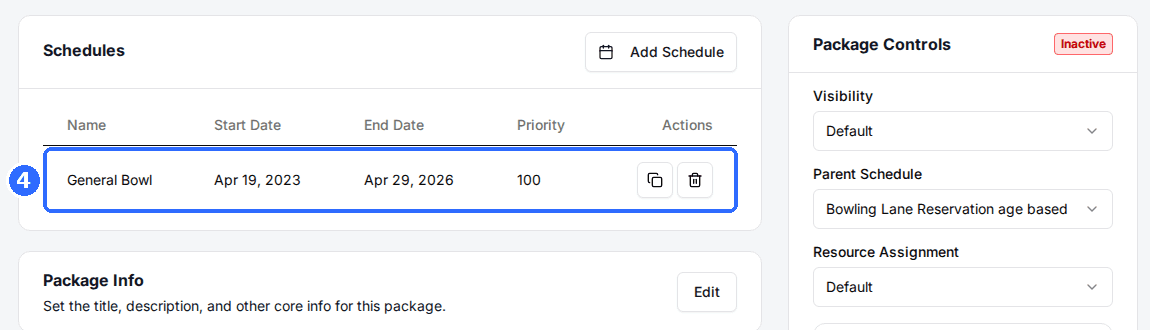
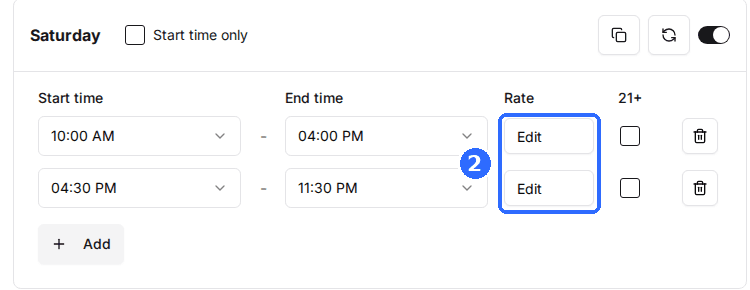
Click Edit in a slot's Rate column
With an Age Groups method, each slot's Rate shows Edit instead of a single price. The Age-Group Pricing window lists every group by its Abbreviation: enter a Rate for each, switch on the groups this slot sells, and click Save. Repeat for each slot.
Save and verify
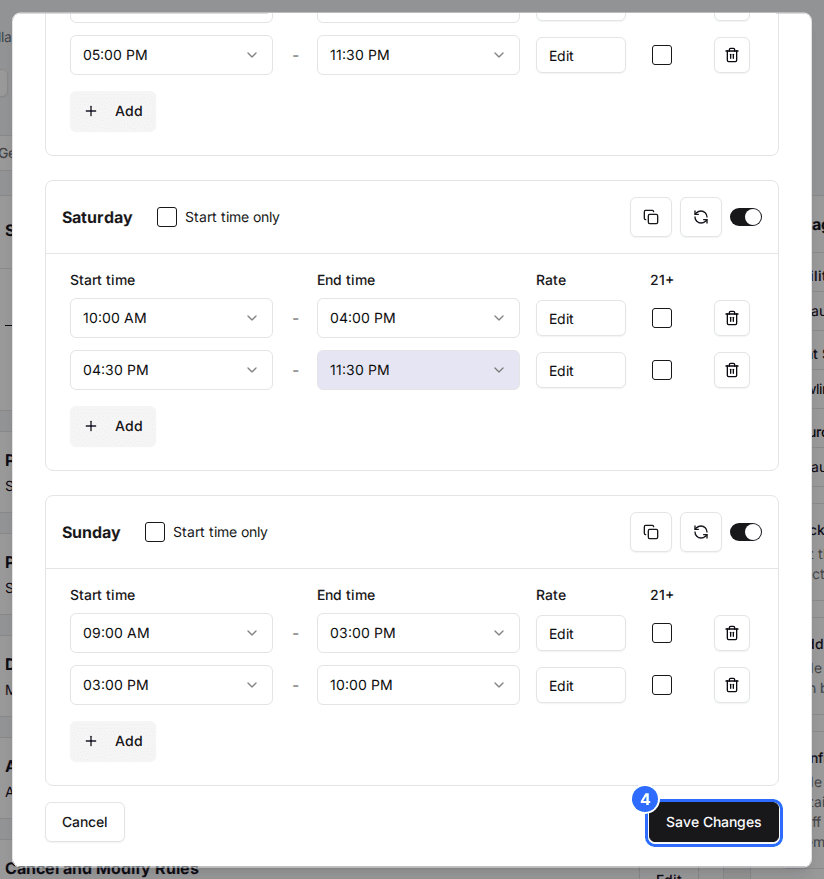
Click Save Changes on the schedule. Then open your reservation page and start a booking: the package shows See Prices and a quantity picker for each group, and the total updates as guests change the counts.
Switch a group off on the slots where you don't sell it. For example, leave Child off on late-evening slots so only adults can book them.
Updated Oct 8, 2026
Was this helpful?